

 Giftproof4 min read
Schedule and pause a Shopify free gift offer
Start dates, end dates, pausing one gift or all of them, and running several offers: how to keep a free gift offer under your control.
A promotion has an awkward day. The day it starts, when you want it live at exactly the right moment. The day it ends, when you remember, a little late, that the banner is still up. And the unplanned day in the middle, when stock of the gift runs low or something else changes and you need the offer off right now.
A free gift offer is easy to switch on and surprisingly easy to forget. This article is about taking control of those three days, using the scheduling and pause tools in Giftproof, a Shopify app built for free gift offers at a minimum spend.
Start dates: set it up ahead of time
Launching an offer by hand at midnight is nobody's idea of a good evening. With a start date, you set the gift up in advance, test it calmly, and let it begin when you planned.
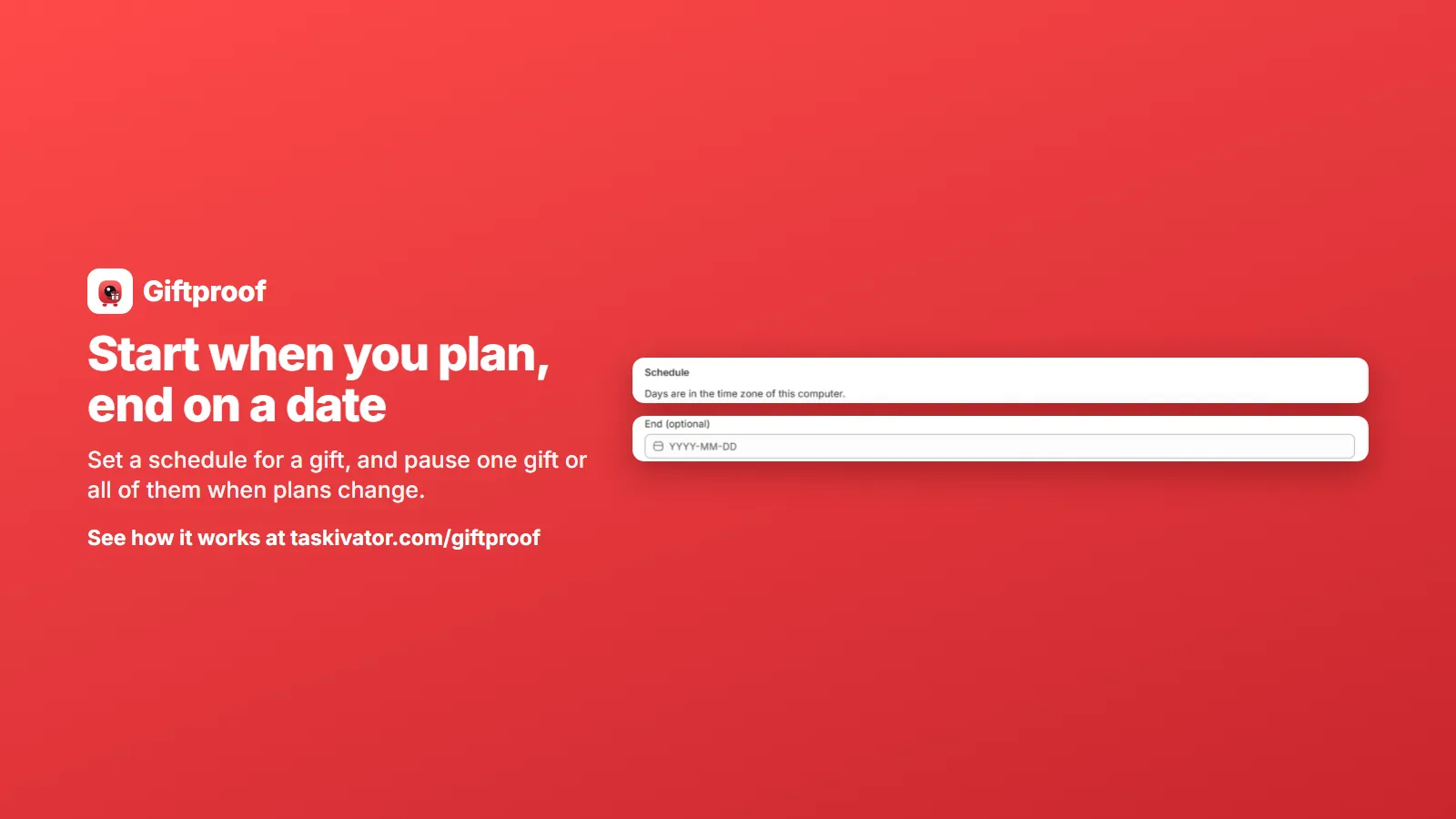
Giftproof uses the start and end dates of the Shopify discount behind the gift, so the schedule is handled by Shopify itself, not by a timer in the app. The days follow the time zone of the computer you are using, which the schedule section reminds you of. Worth a quick look if you work across time zones.
A good routine for a planned offer:
- Create the gift and set its minimum and product.
- Set the start date for when the promotion begins.
- Test with the cart tester while the offer is still waiting to start.
- Check the storefront message and Diagnostics.
- Leave it. It begins when you said it would.
An offer you can start, stop and pause is an offer you can afford to try.
End dates: let seasonal offers finish themselves
An end date is optional, and it is one of the kindest settings in the app. A seasonal offer, such as a holiday gift or a weekend special, can finish on its own date. You do not need to be at your desk to turn it off, and you do not end up with a gift that is still being added a week after the sale.
If you leave the end date empty, the offer keeps running until you stop or pause it. That suits an everyday offer, such as a small gift for orders above your usual size.
Pausing: for the days that do not go to plan
Plans change. Stock of the gift might run low. A different promotion might take over the same weekend. You might spot something odd in the offer and want to stop it while you check.
Giftproof lets you pause one gift, or pause all your gifts at once. Pausing does not delete anything, so the gift keeps its settings and you can bring it back when you are ready. Think of it as a light switch, not a demolition.
A few good reasons to pause:
- Low stock of the gift. If the gift product is out of stock, it is not added to carts, and Diagnostics will point that out. Pausing is the tidy way to stop the offer until you restock.
- A bigger promotion takes over. If a sale or a code event would clash with the gift, pause the gift for the duration.
- Something looks wrong. Pause first, investigate second.
One caution worth stating plainly: pause your gifts before uninstalling the app. After an uninstall, a gift left in a shopper's cart is charged at its normal price, so a pause keeps the shopper's cart and your store tidy.
Several gifts, each on its own clock
Because each gift has its own minimum, its own gift product and its own dates, you can run offers side by side without them interfering. A few ways stores use that:
- A standing gift and a seasonal gift. One small gift runs through the year with open dates. A second, better gift runs for a season and ends on its date.
- A gift for a product launch. A gift that goes with a new product line, scheduled to begin on launch day.
- Different minimums for different goals. A modest minimum for a small gift and a higher minimum for a bigger one. A cart that reaches several minimums gets each gift.
How many gifts you can run at once depends on your plan, so check the plan details in the app before you design a ladder of offers.
Keep an eye on the whole picture
When you run more than one gift, the home page of the app lists them with their minimum, gift product and status, so you can see what is active, what is scheduled and what is paused. A quick look before a big promotion saves a surprise.
It is also worth checking the cart tester each time you change something. Scheduling is easy to get right, and it is also easy to get a date slightly off. A sample cart that should qualify, and another that should not, takes a couple of minutes and answers the question before a shopper does.
A simple promotion calendar
If you run promotions through the year, a small calendar helps. For each offer, write down:
- the gift and the minimum,
- the start date and the end date,
- who checks stock of the gift,
- and what the plan is if the offer needs to pause.
Giftproof does the switching for you. The calendar makes sure someone has decided what to switch.
The takeaway
A free gift offer is easiest to run when you control its timing. Use a start date to launch when you planned. Use an end date so seasonal offers finish by themselves. Keep pause ready for the days that do not go to plan, pausing one gift or all of them, and pause before you uninstall. Run several gifts side by side when you want to, each on its own clock.
To see how scheduling and pausing work in practice, take a look at Giftproof. It is coming soon to the Shopify App Store.
Giftproof
Keep reading
 Giftproof5 min read
Run a free gift offer in other currencies and languages
Selling abroad? Here is how a minimum spend gift offer follows shoppers into other currencies and languages on Shopify, and what to check.
Read the article Giftproof5 min read
Free gift with purchase on Shopify at a minimum spend
A free gift at a minimum spend is simple to promise and fiddly to run. Here is how the offer should behave in the cart and at checkout.
Read the article Giftproof4 min read
Keep sale items and codes from unlocking a free gift
Sale items and discount codes can push a cart over your free gift minimum. Here is how to decide what counts toward the threshold.
Read the article