

 Peelstack2 min read
Avery 5160, 8160, 5163: which code do I type?
Several Avery codes name the same layout. Learn why 5160 and 8160 match, how 5163 differs, and what to type in Google Sheets™ when your box shows another number.
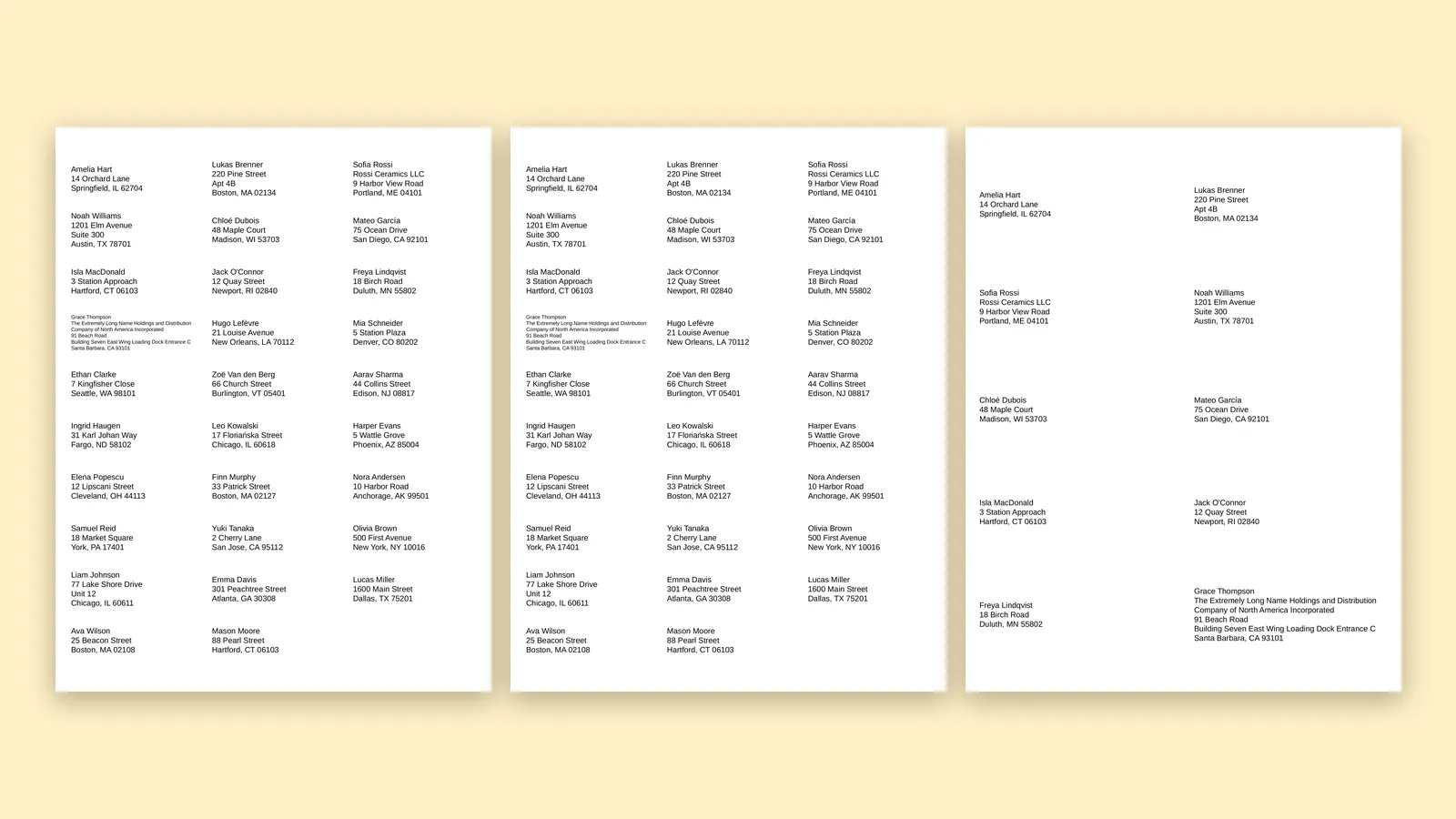
Two boxes, two numbers, and you are not sure whether they are the same label. It is a common worry, and the answer is usually good news.
One layout, many codes
A label code names a layout: how many labels across, how many down, how big each one is and where it starts on the page. The same layout is often sold under several codes. In Peelstack Label Maker, 5160 and 8160 are matched to the same sheet, along with other codes from the same family printed on the box.
So if your box says 8160 and you type 5160, you see the sheet you are holding. Try the code printed on your own box first. If it is not recognised, type a sibling code from the same family.
5163 is a different layout
5163 is a larger label than 5160, set in two columns. It is a popular choice for shipping and for longer addresses. It has relatives too, such as 8163, which share its layout. The sheet picture in the add-on states the label size, so you can check yours against it.
Do not guess by looking
Two sheets can look alike and still differ by a few millimetres in margins, which is enough to push text onto an edge. The reliable way is to read the code, type it, compare the sheet picture to the paper in your hand, and print the free test page on plain paper. Hold it over the real sheet in the light.
If your code is not found
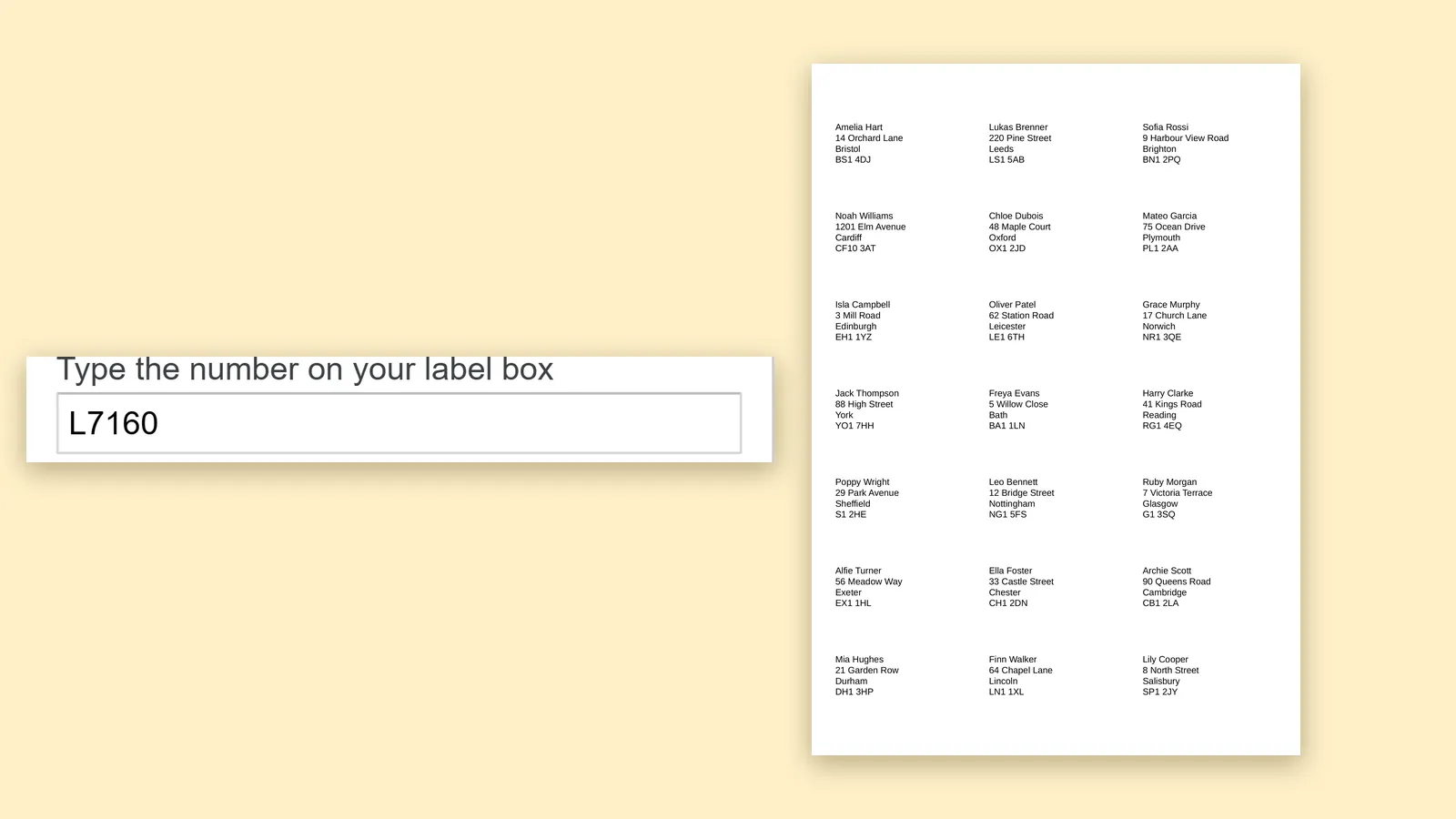
Choose "My labels are not listed" and enter the label size, margins and spacing you measured. For sheets sold in A4 sizes, codes such as L7160 and L7163 are listed.
Print at Actual size
However you find the layout, print the PDF at Actual size with fit to page turned off. A printer that quietly scales the page is the usual reason that a correct layout still prints off.
The takeaway
The code on your box names a layout, and codes from the same family share one. Type the code from your box, check the sheet picture, print the test page and then print your list.
Google Sheets™ is a trademark of Google LLC. Avery is a trademark of Avery Products Corporation.
For Google Sheets™. Works with Avery and other label sheets. Not affiliated with Google or Avery.
---
For the website agent
- Meta description: Avery 5160 and 8160 share a layout and 5163 is larger. See which code to type in Google Sheets™ and how to check it.
- Internal links: avery-5160-template-google-sheets.html, avery-5163-template-google-sheets.html, label-sheet-finder.html
- UTM: ?utm_source=taskivator&utm_medium=article&utm_campaign=which-code
- Schema: Article, same shape as the others, mainEntityOfPage https://taskivator.com/peelstack/articles/avery-5160-8160-5163-which-code-do-i-type
- Picture needed: hero-which-code.png (1600x900), real capture of the add-on sheet picture for 5160 and 5163 side by side.
- Claim check: 8160 is listed in the products of avery-5160 (templates.json), 8163 in avery-5163.
Peelstack Label Maker
Keep reading
 Peelstack2 min read
A4 label codes L7160, L7163 and Zweckform: print them from Google Sheets™
Using A4 label sheets in the UK or Europe? Type L7160, L7163 or a Zweckform code, check the preview and print a PDF at the sheet's size from your Google Sheets™ list.
Read the article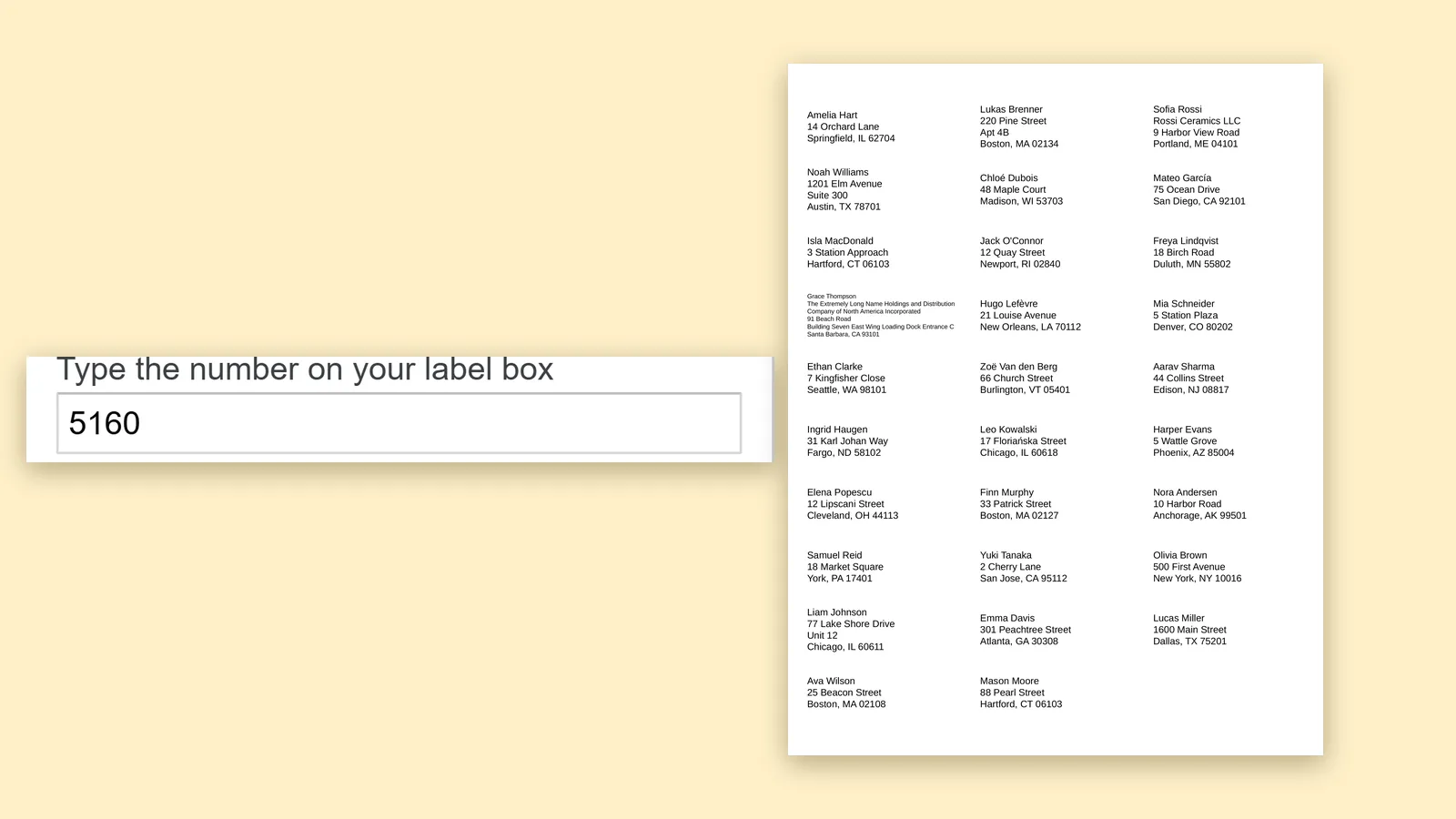 Peelstack3 min read
An Avery label template for Google Sheets™ without downloading one
You do not need a template file to print on Avery sheets from Google Sheets™. Type the code from the box, check the preview and print a PDF at the sheet's size.
Read the article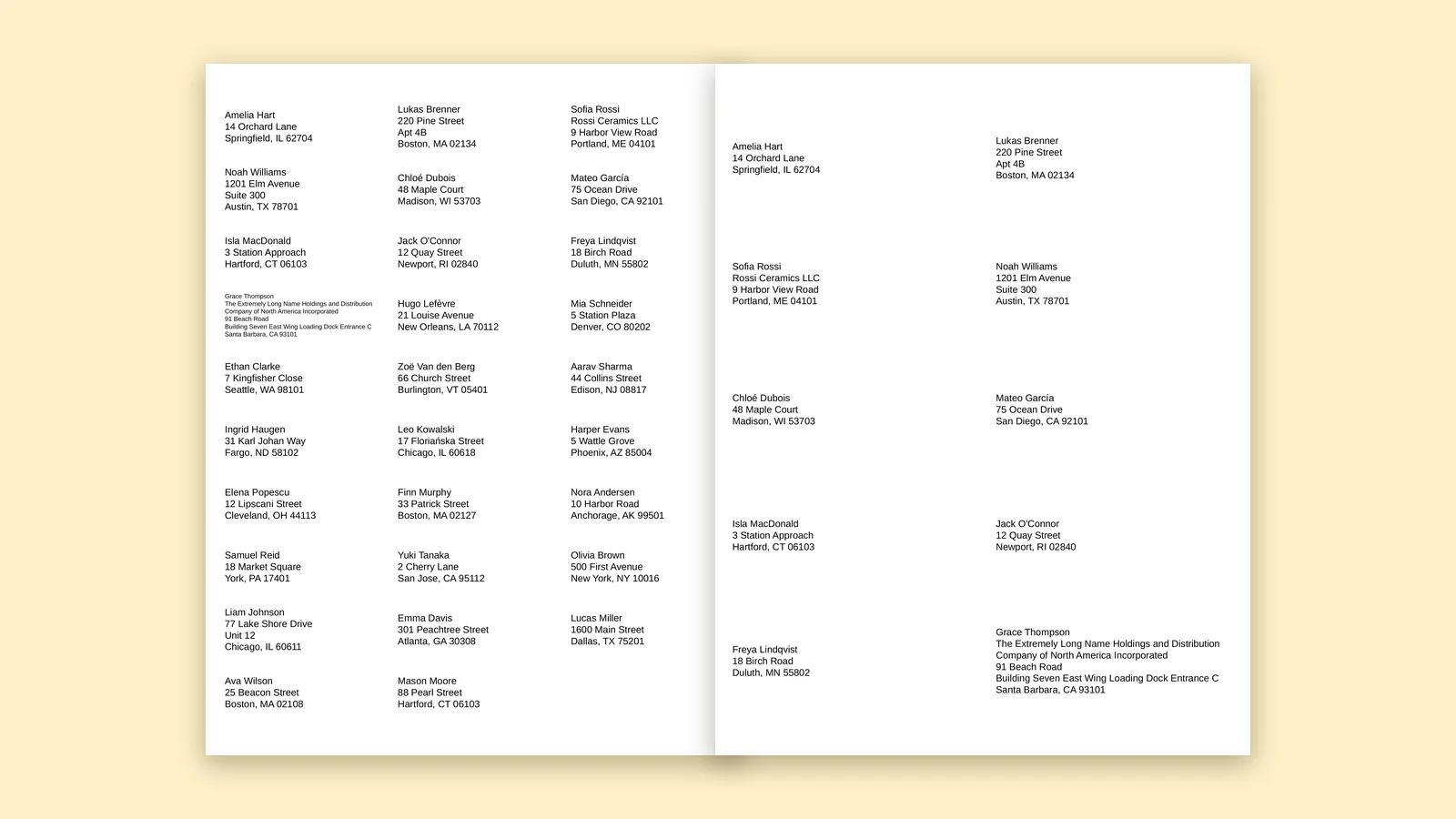 Peelstack3 min read
How many labels are on a sheet, and how many sheets does your list need?
Find the label code on the box, see how many labels fit on the sheet, then work out how many sheets your Google Sheets™ list needs before you buy.
Read the article