

 Peelstack2 min read
A4 label codes L7160, L7163 and Zweckform: print them from Google Sheets™
Using A4 label sheets in the UK or Europe? Type L7160, L7163 or a Zweckform code, check the preview and print a PDF at the sheet's size from your Google Sheets™ list.
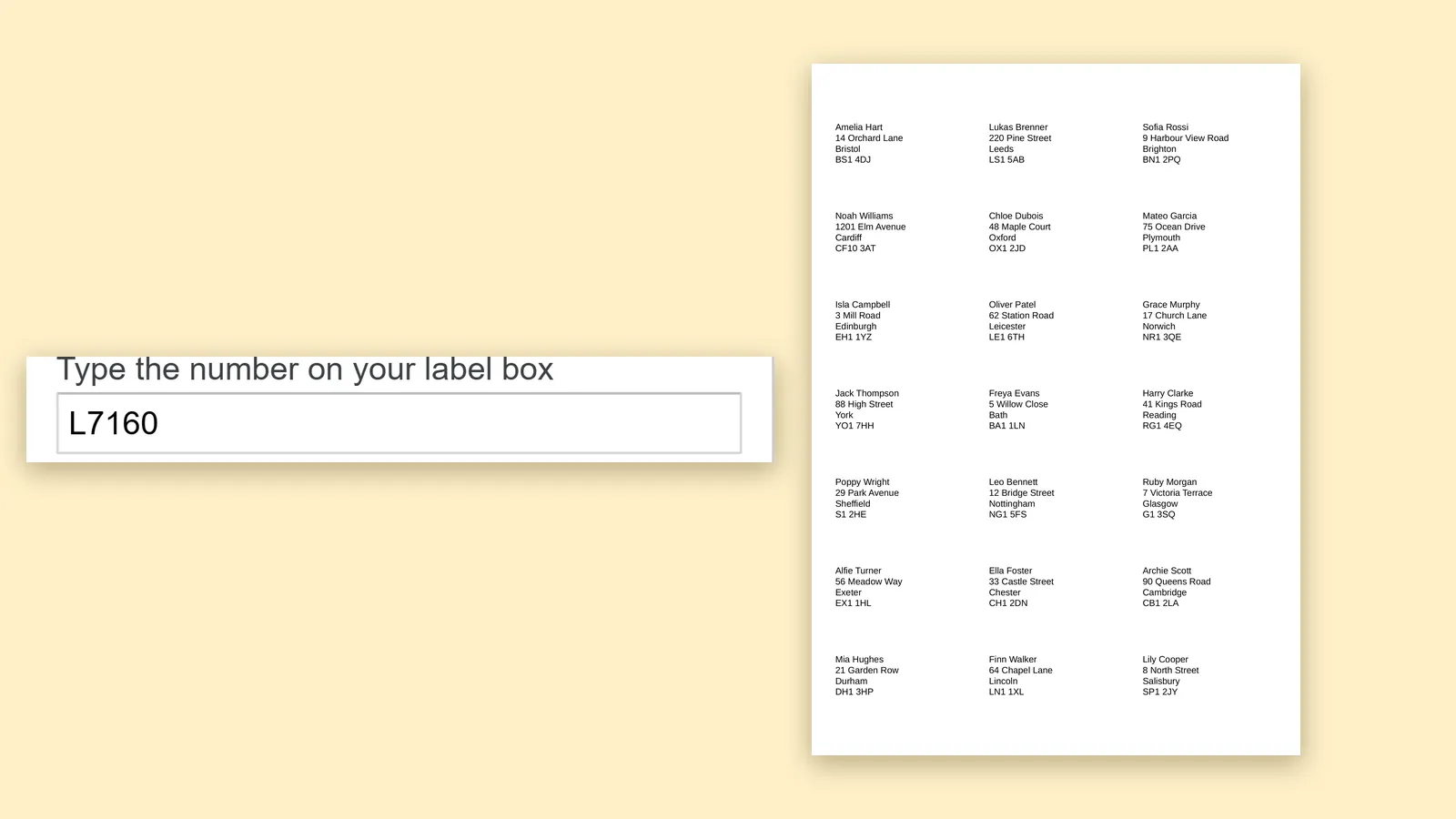
Most label advice is written for US Letter paper and codes like 5160. If you print on A4, your boxes carry different numbers: L7160 and L7163 from Avery, 3475 from Zweckform, and many more from brands such as HERMA and Sigel. The method is the same, and so is the shortcut: you do not need a template file.
Set up the list
Use one row per label and clear column names. For UK addresses a layout like Name, Address, Town and Postcode works well. Peelstack Label Maker reads the headings and fills the lines for you, and a blank second address line is left out.
Type the code
Open Extensions, Peelstack Label Maker, Create labels and type the code from your box. L7160 shows the sheet with the label size in millimetres, and L7163 shows the larger label. Many other brands' codes sit in the same family, so a box from another maker may find the same sheet. The add-on shows the paper as A4, so you do not have to change a setting for the page size.
Mind the printer
The usual reason an A4 print is off is the printer scaling the page. Print the free test page on plain paper, choose Actual size and turn fit to page off, then hold the test page over the real sheet. If it lands a few millimetres off, type the offset the test page shows. It is remembered for that paper size.
Postcodes, accents and other alphabets
Long names and addresses are shrunk to fit and the preview lists the rows that were changed. Accents and other alphabets print as they appear in your sheet, so names like Józef or Müller are fine.
Return address labels and badges
The same code works for return address labels and name badges: the label size is what counts. Choose the sheet that matches your labels and change the lines.
The takeaway
Type your A4 code, check the preview against the paper in your hand, print the test page at Actual size and then print the list. No template download is needed.
Google Sheets™ is a trademark of Google LLC. Avery is a trademark of Avery Products Corporation. Zweckform, HERMA and Sigel are trademarks of their owners.
For Google Sheets™. Works with Avery and other label sheets. Not affiliated with Google or Avery.
---
For the website agent
- Meta description: Print A4 labels from Google Sheets™: type L7160, L7163 or a Zweckform code, check the preview and download a PDF at the sheet's size.
- Internal links: avery-l7160-template-google-sheets.html, avery-l7163-template-google-sheets.html, zweckform-3475-template-google-sheets.html (all three pages exist in site/out)
- UTM: ?utm_source=taskivator&utm_medium=article&utm_campaign=a4-codes
- Schema: Article, mainEntityOfPage https://taskivator.com/peelstack/articles/a4-label-codes-l7160-l7163-zweckform-google-sheets
- Picture needed: hero-a4-labels.png (1600x900), from the uk-l7160 capture state (public/peelstack/uk-l7160.png in the video studio exists).
- Claim check: L7160 and L7163 and Zweckform 3475 verified in templates.json (A4); the trademark line names Zweckform, HERMA and Sigel because they appear.
Peelstack Label Maker
Keep reading
 Peelstack2 min read
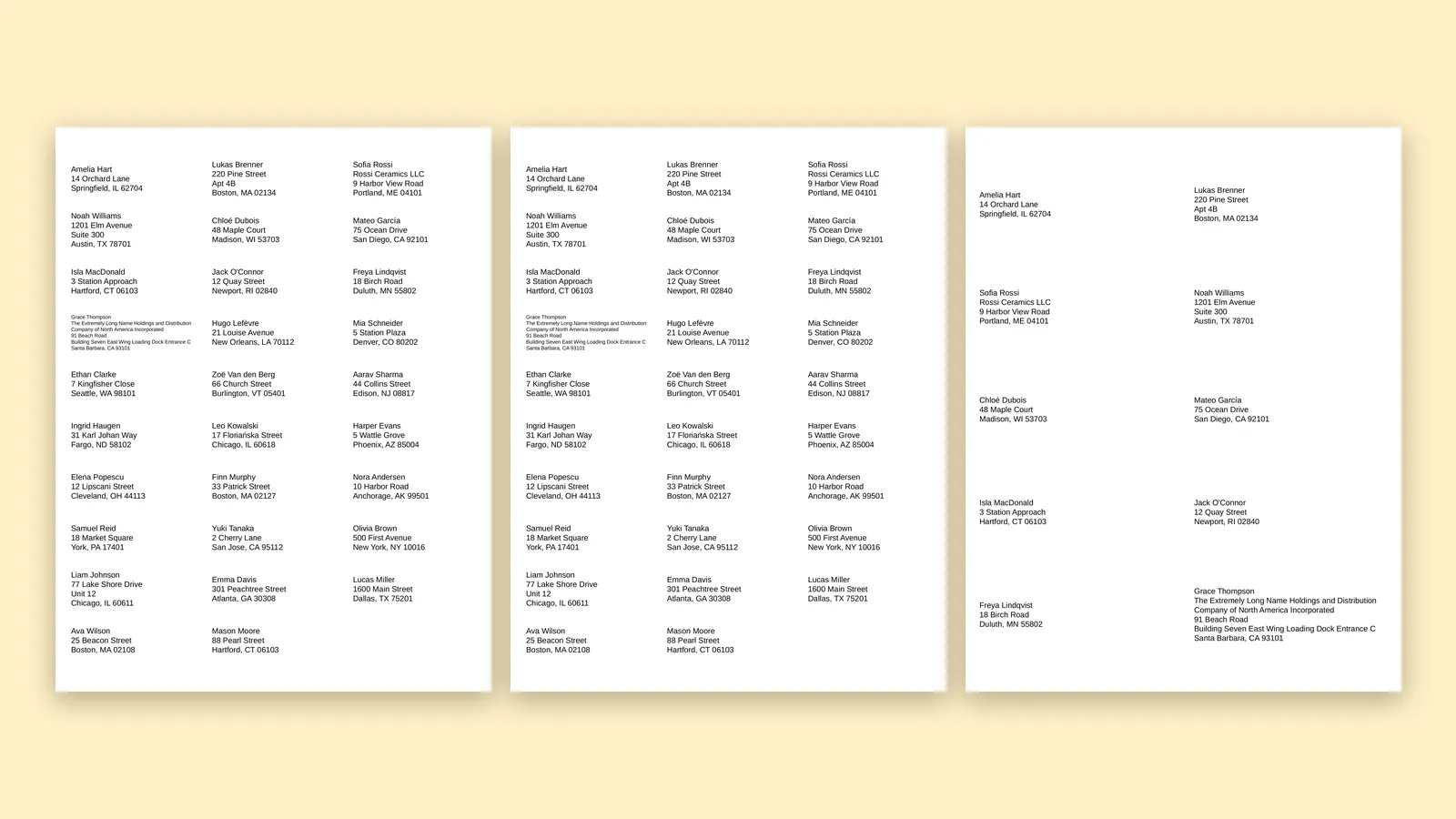
Avery 5160, 8160, 5163: which code do I type?
Several Avery codes name the same layout. Learn why 5160 and 8160 match, how 5163 differs, and what to type in Google Sheets™ when your box shows another number.
Read the article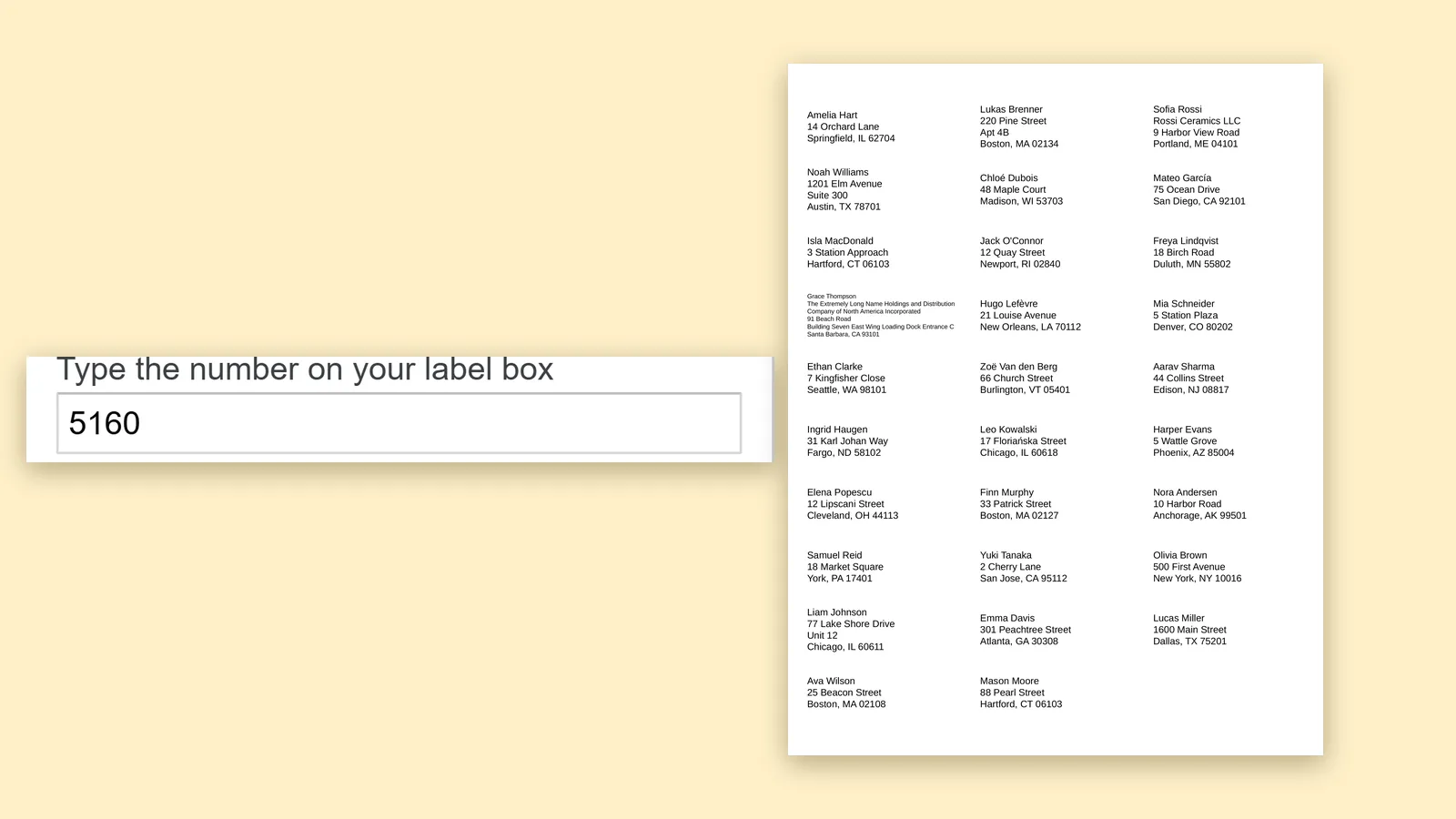 Peelstack3 min read
An Avery label template for Google Sheets™ without downloading one
You do not need a template file to print on Avery sheets from Google Sheets™. Type the code from the box, check the preview and print a PDF at the sheet's size.
Read the article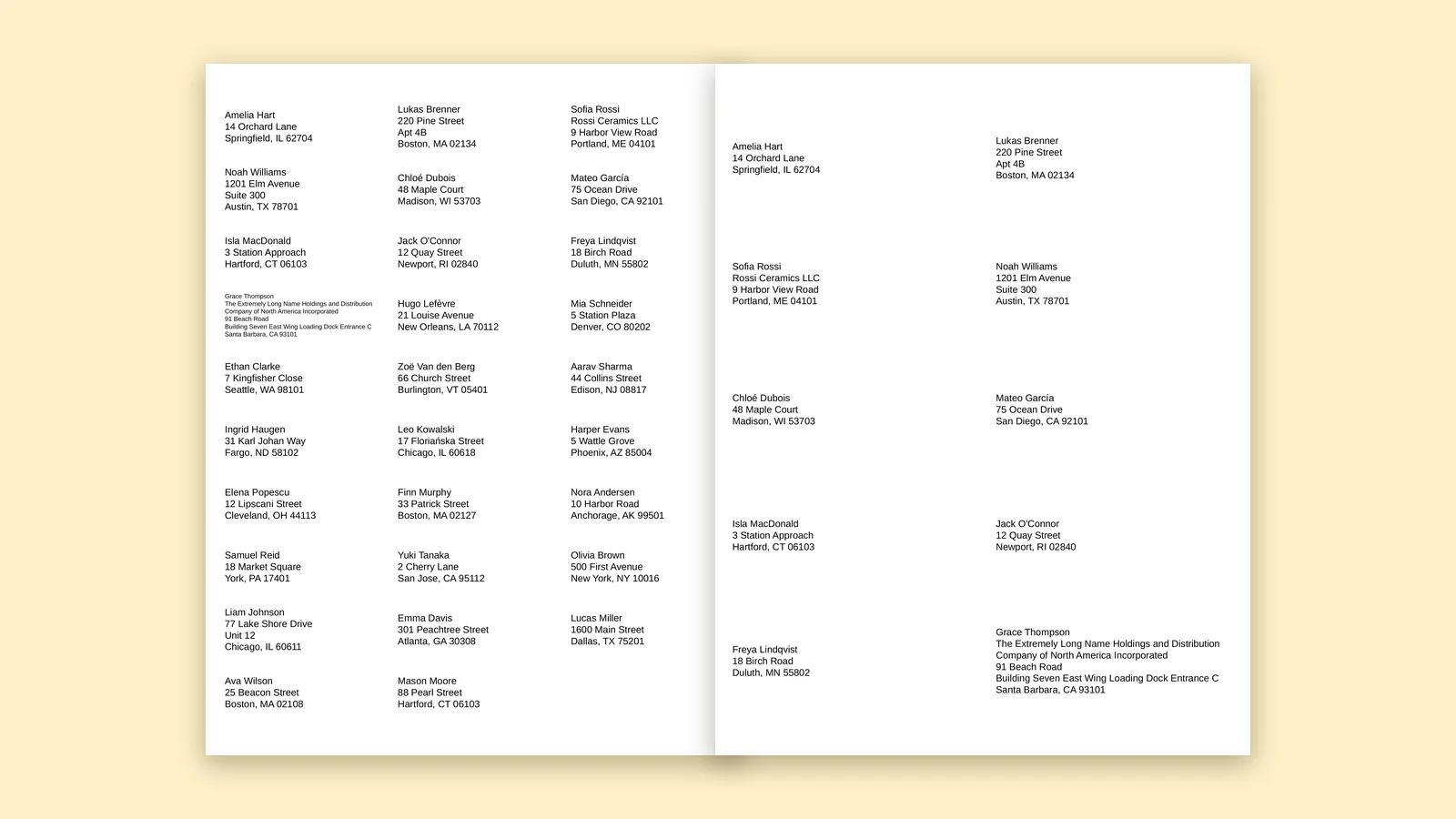 Peelstack3 min read
How many labels are on a sheet, and how many sheets does your list need?
Find the label code on the box, see how many labels fit on the sheet, then work out how many sheets your Google Sheets™ list needs before you buy.
Read the article