

 BugIt3 min read
How to write a bug title that gets triaged
A bug title is the one line most people read. Learn what to put in it, what to leave out, and how to test it against a tracker list before you file.
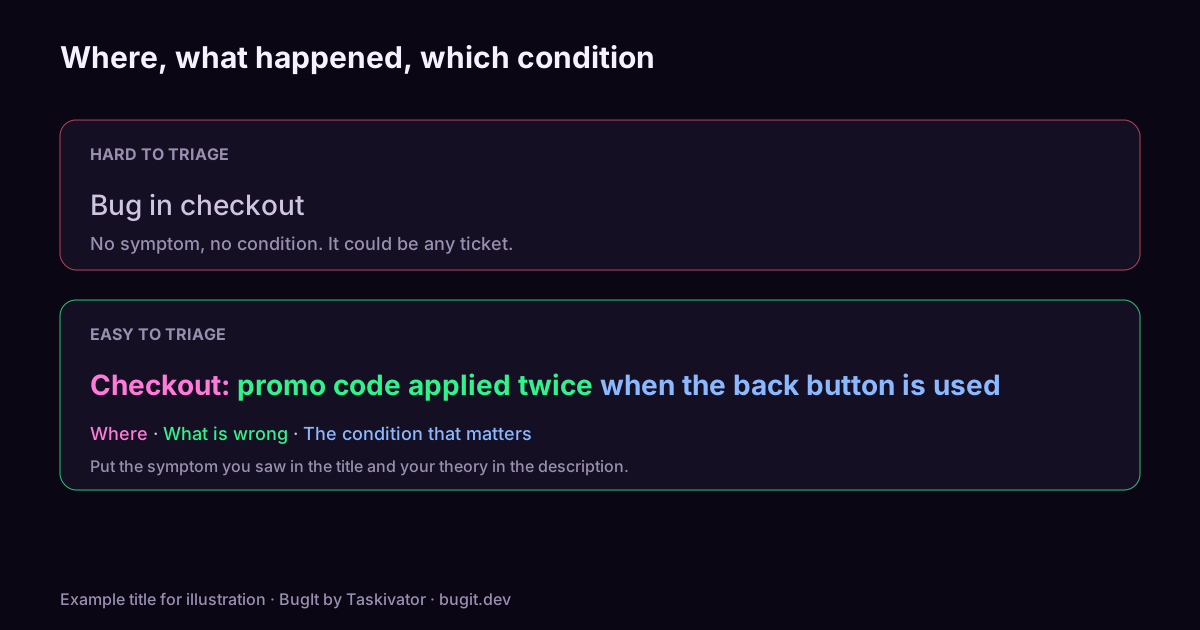
Open a busy tracker and look at the list view. You see a row per ticket: an id, a status and a title. Nothing else. That row is where a bug is accepted, ignored, merged into another ticket or sent back with a question, and the decision is often made before anyone opens the description.
So the title does more work than any other line you write. Here is how to make it earn that.
What a title has to do
A title has three jobs in the list view.
- Say where. The area, screen or command, so the right person notices it.
- Say what is wrong. The symptom you saw, not your theory about the cause.
- Be searchable. Someone who hits the same bug next month will search for a few words. Your title should contain the words they would use.
A shape that works
Try this order: where, then what happened, then the condition that matters.
`` Checkout: promo code applied twice when the back button is used Export: CSV is empty when the date range crosses a year Login: error 500 shown after password reset on mobile web ``
Each title names an area, states the symptom and adds the one condition that separates this bug from similar ones. A developer scanning the list can tell which of these is theirs.
Titles that cost you
| Title | What goes wrong | |---|---| | "Bug in checkout" | Names no symptom. It could be any checkout ticket. | | "Fix the export" | A task, not a report. It assumes a cause and hides the evidence. | | "Button does not work" | Which button, and what does "not work" mean? | | "URGENT!!! App broken" | Urgency belongs in the priority field, and "broken" is not a symptom. | | "Intermittent crash" | Where? Under what conditions? It will be merged into the nearest match. |
Describe the symptom, not the guess
"Cache not cleared after save" is a guess. "Old price still shown after saving a new one" is what you saw. If your guess is wrong, a guess in the title sends the developer to the wrong code and makes the ticket harder to find for someone who sees the same symptom with a different cause. Put your theory in the description, labelled as a theory.
Put the error text in, when there is one
If the product showed a message, a short quote from it is the best search term you can give the next person. Keep it short and leave out ids, emails and anything personal. "Payment failed with 'card declined' for a valid card" finds its twins.
Test the title before you file
Do two quick checks.
- Read it alone. Cover the description. Could a stranger tell what is wrong and where?
- Search with it. Paste your title into the tracker search. If an earlier ticket appears, read it before you file. If your title fails to find a ticket you know exists, that ticket's title is weak, and yours may need the words it is missing. Our article on catching duplicate bugs before filing covers the search itself.
Keep titles short enough to read in a list, and move detail into the description. A title that wraps over several lines is usually carrying a description.
Where BugIt fits
Titles are easy to get right when you are calm and easy to get wrong when you are in a hurry. When you describe a problem to BugIt in a rough note, it drafts a report with a title in this shape, and it searches your tracker for similar tickets before you see the draft. The search only reads. You review the draft, change the title if you want to, and BugIt redacts common personal data as a best effort. Nothing is written to your tracker until you type FILE IT.
See how it works at taskivator.com/bugit and bugit.dev.
The takeaway
Write the title for the list view: where, what happened, and the one condition that matters. Describe what you saw, quote the error if there is one, and search with your own title before you file.
<script type="application/ld+json"> {"@context":"https://schema.org","@type":"Article","headline":"How to write a bug title that gets triaged","description":"A bug title is the one line most people read. Learn what to put in it, what to leave out, and how to test it against a tracker list before you file.","mainEntityOfPage":"https://taskivator.com/articles/write-a-bug-title-that-gets-triaged/","author":{"@type":"Organization","name":"Taskivator"},"publisher":{"@type":"Organization","name":"Taskivator"},"about":{"@type":"SoftwareApplication","name":"BugIt","url":"https://taskivator.com/bugit/"}} </script>
Keep reading
 BugIt4 min read
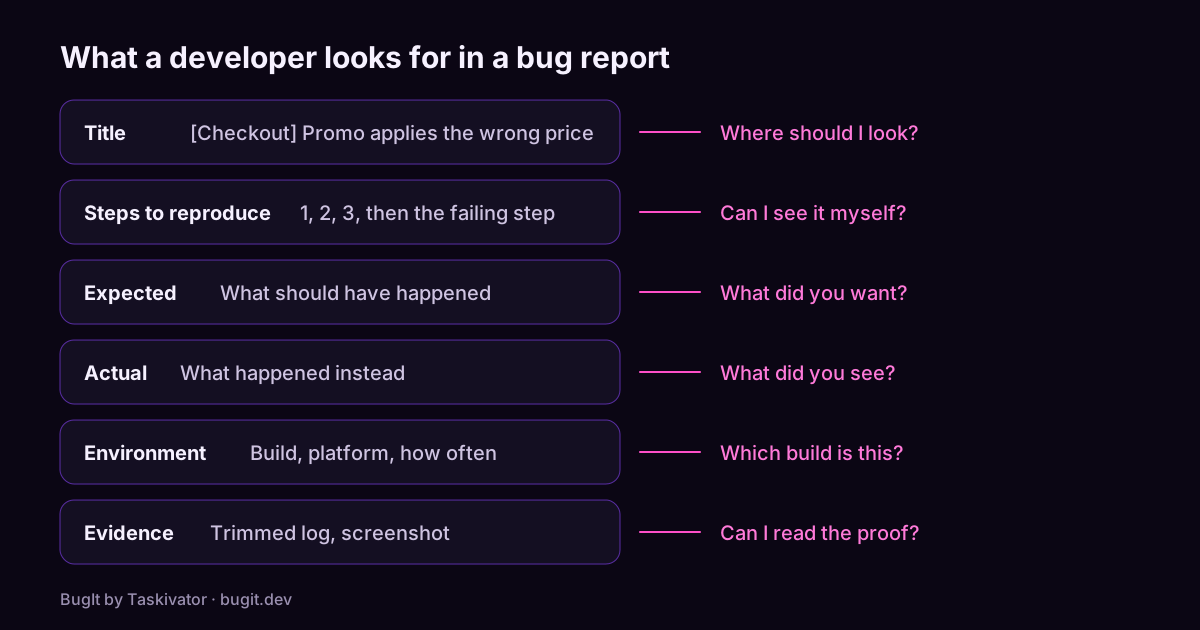
A bug report template developers will actually read
A copyable bug report template, what each part is for, and the habits that turn a vague complaint into a ticket a developer can fix.
Read the article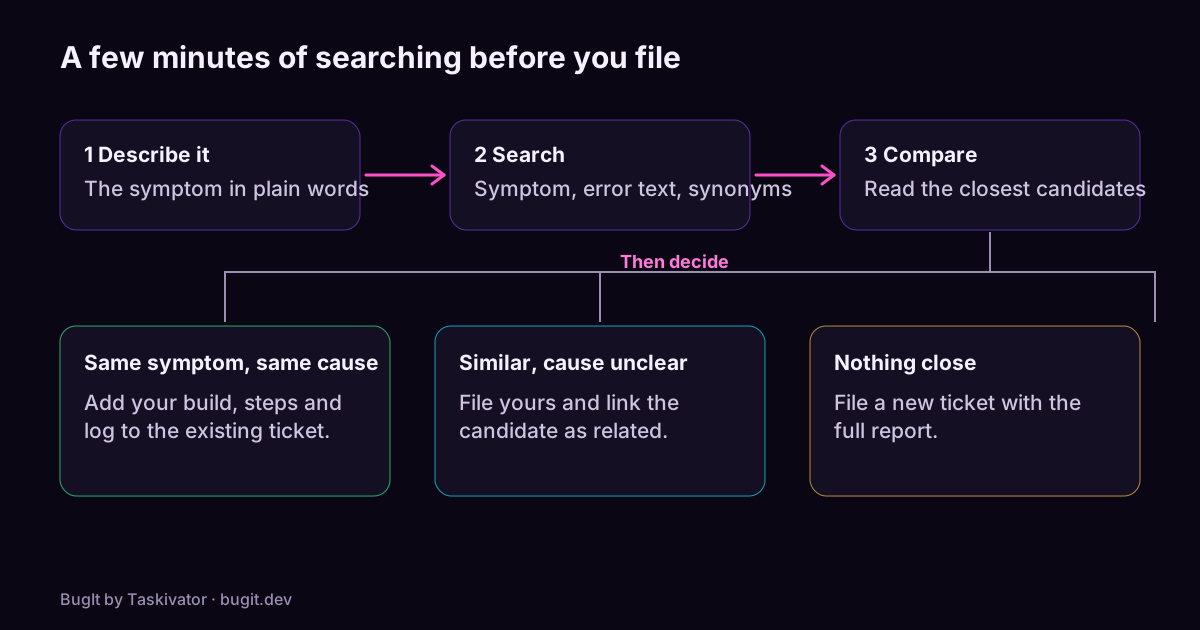 BugIt4 min read
Catch duplicate bugs before you file them
Why one bug turns into several tickets, how to search a tracker so you find the earlier one, and what to do when you do.
Read the article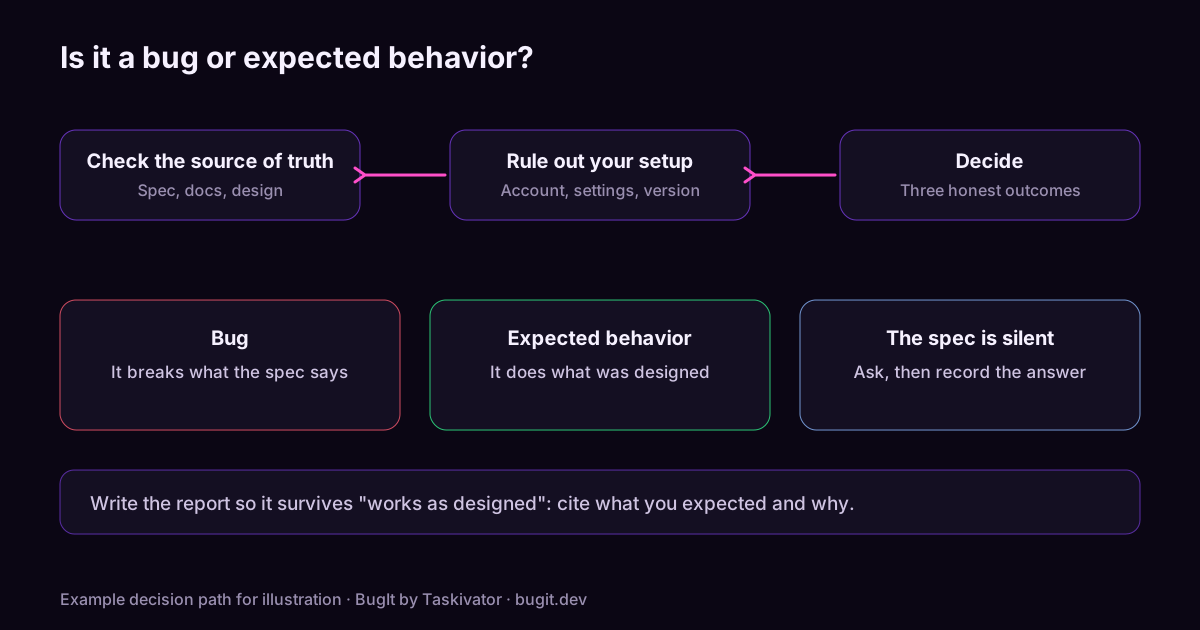 BugIt3 min read
Is it a bug or expected behavior? How to check before you file
Before you file, check whether the behavior is a bug, a missing feature or intended. A short method using the spec, release notes, settings and the tracker.
Read the article