

 BugIt3 min read
Is it a bug or expected behavior? How to check before you file
Before you file, check whether the behavior is a bug, a missing feature or intended. A short method using the spec, release notes, settings and the tracker.
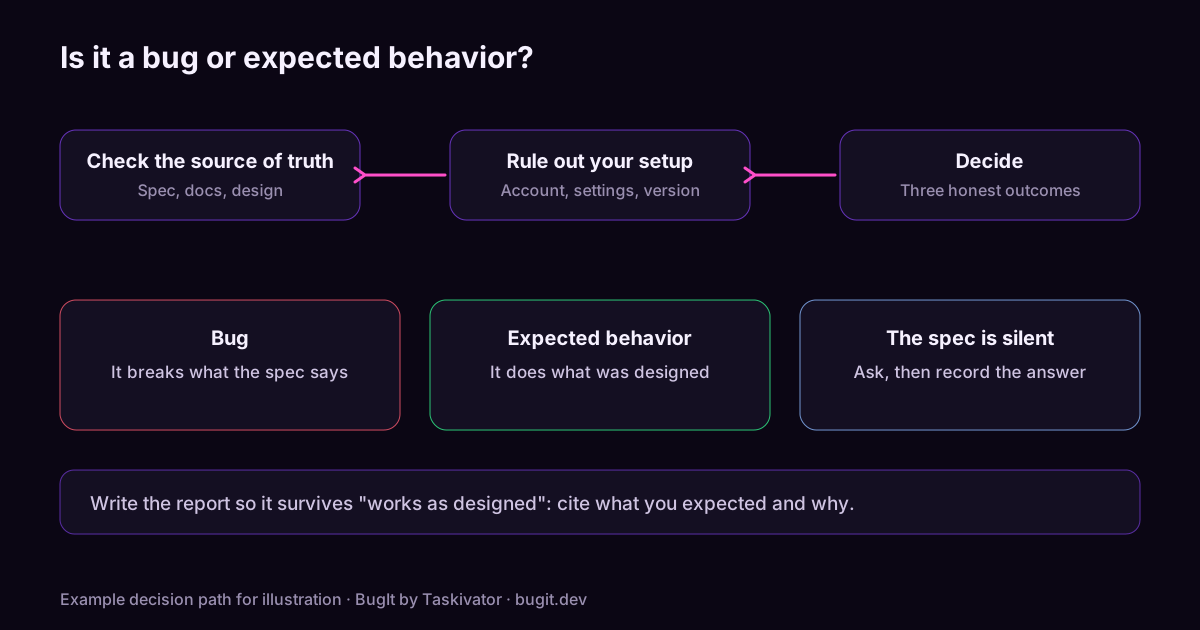
Some of the most expensive tickets are not bugs. The product did what it was built to do, the reporter expected something else, and a developer spends a morning proving it. The reverse costs as much: a real bug is closed as "works as designed" because the reporter could not show what the design says.
A few minutes of checking before you file settles most of these. Here is a method.
Start with the source of truth
Behavior is a bug when it contradicts something the team agreed on. Look for that something, in this order.
- The spec, story or acceptance criteria. If it says what should happen and the product does otherwise, you have a bug. Quote the line in the report.
- Release notes and changelogs. A change may have been announced. If so, you are looking at a decision, not a defect, though you may still disagree with it.
- Documentation and help text. The product's own words are evidence. A page that says one thing while the screen does another is worth reporting either way.
- The tracker. Search open and closed tickets for the behavior. A closed ticket marked "by design" saves you the filing, and an open one tells you to add your evidence there.
Rule out your own setup
A fair share of "bugs" come from the environment. Check these before you write anything.
- Permissions and roles. Does the behavior change when you use an account with a different role?
- Settings and flags. Is a setting or feature flag on that you did not expect?
- Data. Does a new account, a smaller file or different input behave differently?
- Version. Are you on the build you think you are, and is it the one the spec describes?
- Cache and stale state. Does a clean session show the same result?
If a change in one of these makes the behavior go away, you have learned something real. It may still be a bug, such as a confusing default or a missing message, but it is a different report.
Three honest outcomes
| What you found | What to file | |---|---| | The product contradicts the spec or its own documentation | A bug. Quote both. | | The behavior is intended but surprising or unclear | A usability or documentation issue. Say what misled you. | | The behavior is intended and you want something different | A feature request, labelled as one. |
Filing in the right category is not pedantry. It sends the ticket to the person who can act, and it keeps your defect counts honest.
When the spec is silent
Sometimes nothing says what should happen. Do not guess. Describe what you did, what happened and what you expected, say plainly that no spec covers it, and ask the owner to decide. That turns a vague argument into a clear question.
Write the report so it survives "works as designed"
If you do file a bug, make it hard to dismiss. Say which source you checked, quote the line that sets the expectation, and show the steps and the result. Our guide to reporting a regression shows how to add the last version that behaved correctly, which is strong evidence that the current behavior is a change and not a design.
Where BugIt fits
BugIt does not decide for you whether something is a bug, and it should not. It takes your rough note and turns it into a structured report with steps, expected and actual results, which makes the question easy to see, and it searches your tracker for similar tickets before you see the draft so you can find an earlier decision. You review the draft and set the category yourself. BugIt redacts common personal data as a best effort, and nothing is written to your tracker until you type FILE IT.
Learn more at taskivator.com/bugit and bugit.dev.
The takeaway
Check the spec, release notes, documentation and tracker, rule out your own setup, and file in the category the evidence supports. A short check up front keeps real bugs open and keeps non-bugs out.
<script type="application/ld+json"> {"@context":"https://schema.org","@type":"Article","headline":"Is it a bug or expected behavior? How to check before you file","description":"Before you file, check whether the behavior is a bug, a missing feature or intended. A short method using the spec, release notes, settings and the tracker.","mainEntityOfPage":"https://taskivator.com/articles/is-it-a-bug-or-expected-behavior/","author":{"@type":"Organization","name":"Taskivator"},"publisher":{"@type":"Organization","name":"Taskivator"},"about":{"@type":"SoftwareApplication","name":"BugIt","url":"https://taskivator.com/bugit/"}} </script>
Keep reading
 BugIt4 min read
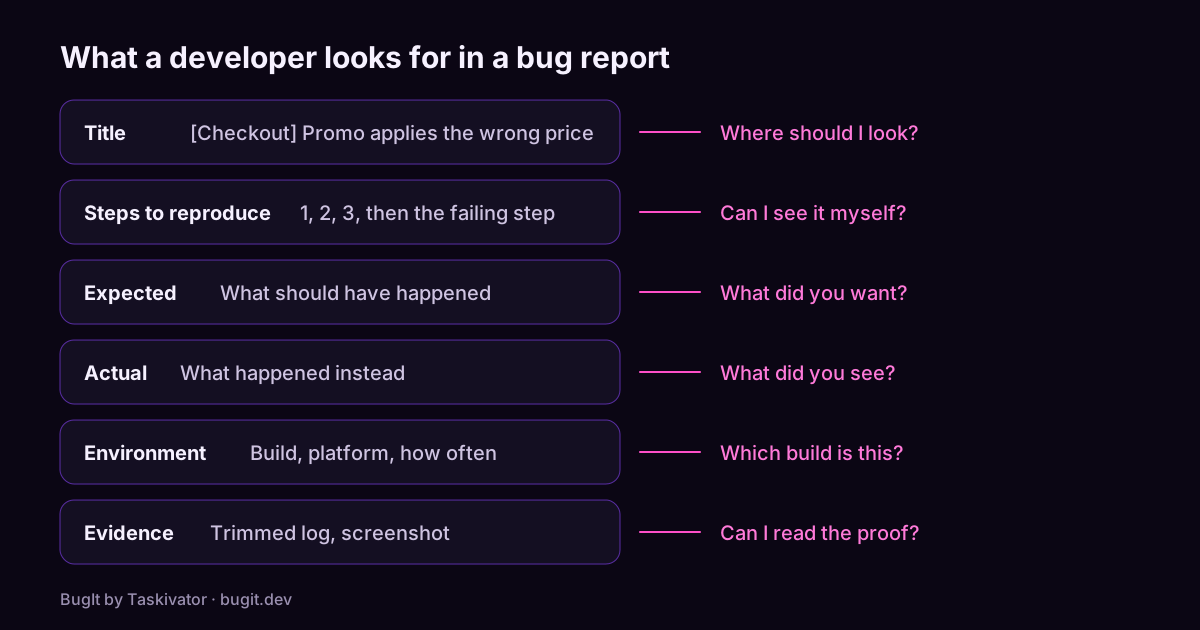
A bug report template developers will actually read
A copyable bug report template, what each part is for, and the habits that turn a vague complaint into a ticket a developer can fix.
Read the article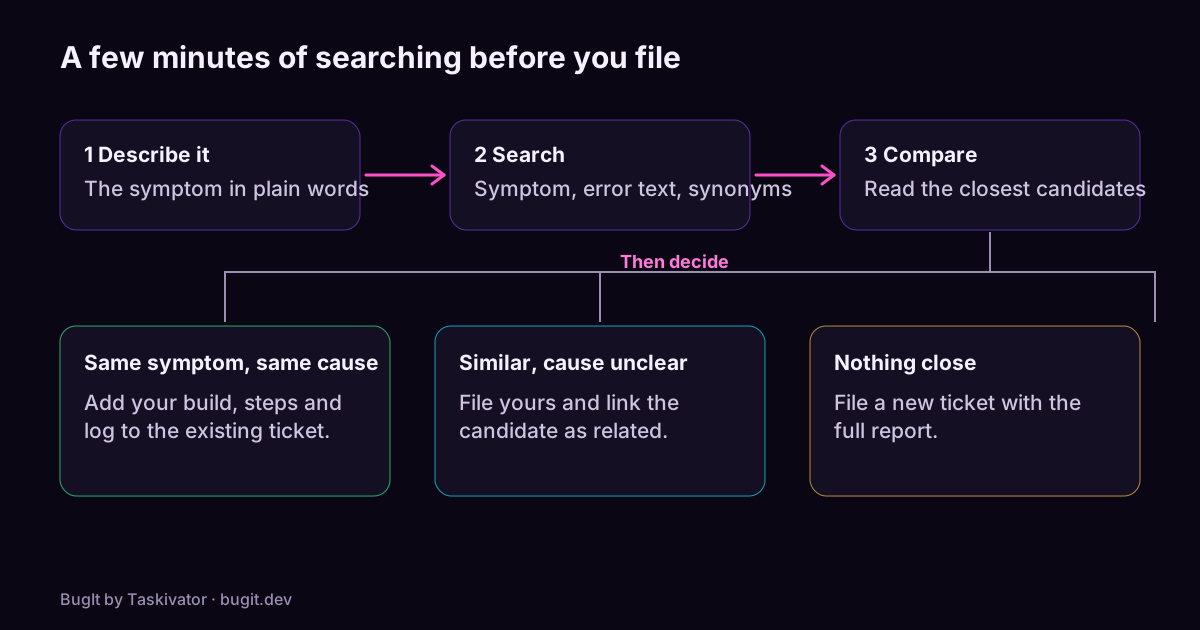 BugIt4 min read
Catch duplicate bugs before you file them
Why one bug turns into several tickets, how to search a tracker so you find the earlier one, and what to do when you do.
Read the article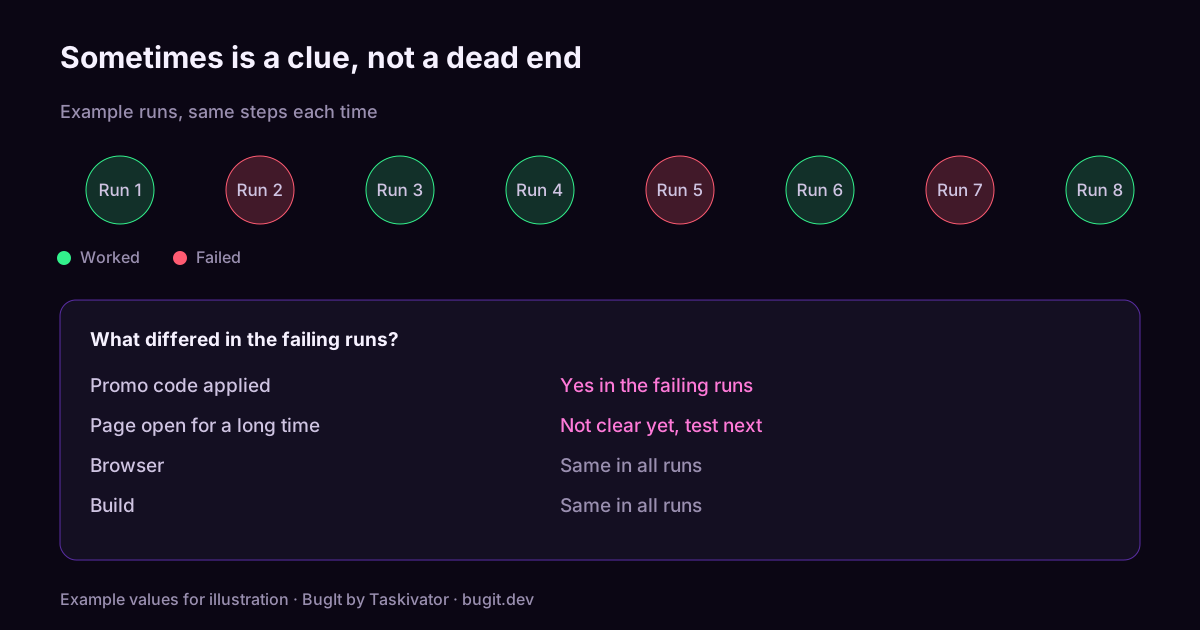 BugIt4 min read
How to report a bug that only happens sometimes
How to report an intermittent bug: count your runs, find what changes between them, and write the conditions down so a developer can chase it.
Read the article