

 Giftproof4 min read
Test your Shopify free gift offer before shoppers do
A free gift offer can fail in quiet ways. Here is how to test it with sample carts and catch setup problems before a shopper does.
You would not print a flyer without reading it twice. Yet plenty of promotions go live on a hunch: the setup looks right, the minimum is typed in, the gift is chosen. Then the first shoppers find out whether it works, and you find out from their messages.
A free gift offer has more moving parts than it seems. There is a gift product that has to be available. There is a minimum that has to be counted the way you meant. There are discounts that may or may not play well together. And there are shoppers who will do things you did not picture. The good news is that most of this can be checked before anyone sees the offer.
Start with the questions a shopper would ask
Before you test, write down what you expect, in plain sentences:
- A cart just below the minimum gets no gift.
- A cart at the minimum gets the gift.
- A cart that reaches the minimum only because of a sale item does not get the gift, if you excluded sale items.
- A cart that a discount code pulls below the minimum does not keep the gift.
Those four sentences are your test plan. If you can say what should happen, you can check whether it does.
If you can say what should happen, you can check whether it does.
The cart tester: try carts without building them by hand
Giftproof includes a cart tester. You build a sample cart, with the products you pick, the quantities you pick and, if you want, a discount code, and the tester shows what that cart gets. No need to open your storefront in three browsers and add products one by one, and no test order to clean up afterward.
Some carts worth building:
- The borderline cart. Put the total just under the minimum, then just over. This is the cart that most often reveals a misread number.
- The sale item cart. Add an excluded product next to a few regular ones. Check that it does not help the cart reach the minimum.
- The discount code cart. Add a percentage code and see whether the cart still qualifies after the discount. With spend counted after discounts, which is the default, a code that takes the cart below the minimum means no gift.
- The multi gift cart. If you run several gifts, each with its own minimum, build a cart that reaches only one of them and another that reaches several.
Change one thing at a time. If a result surprises you, you will know which change caused it.
Diagnostics: the problems you did not think to test
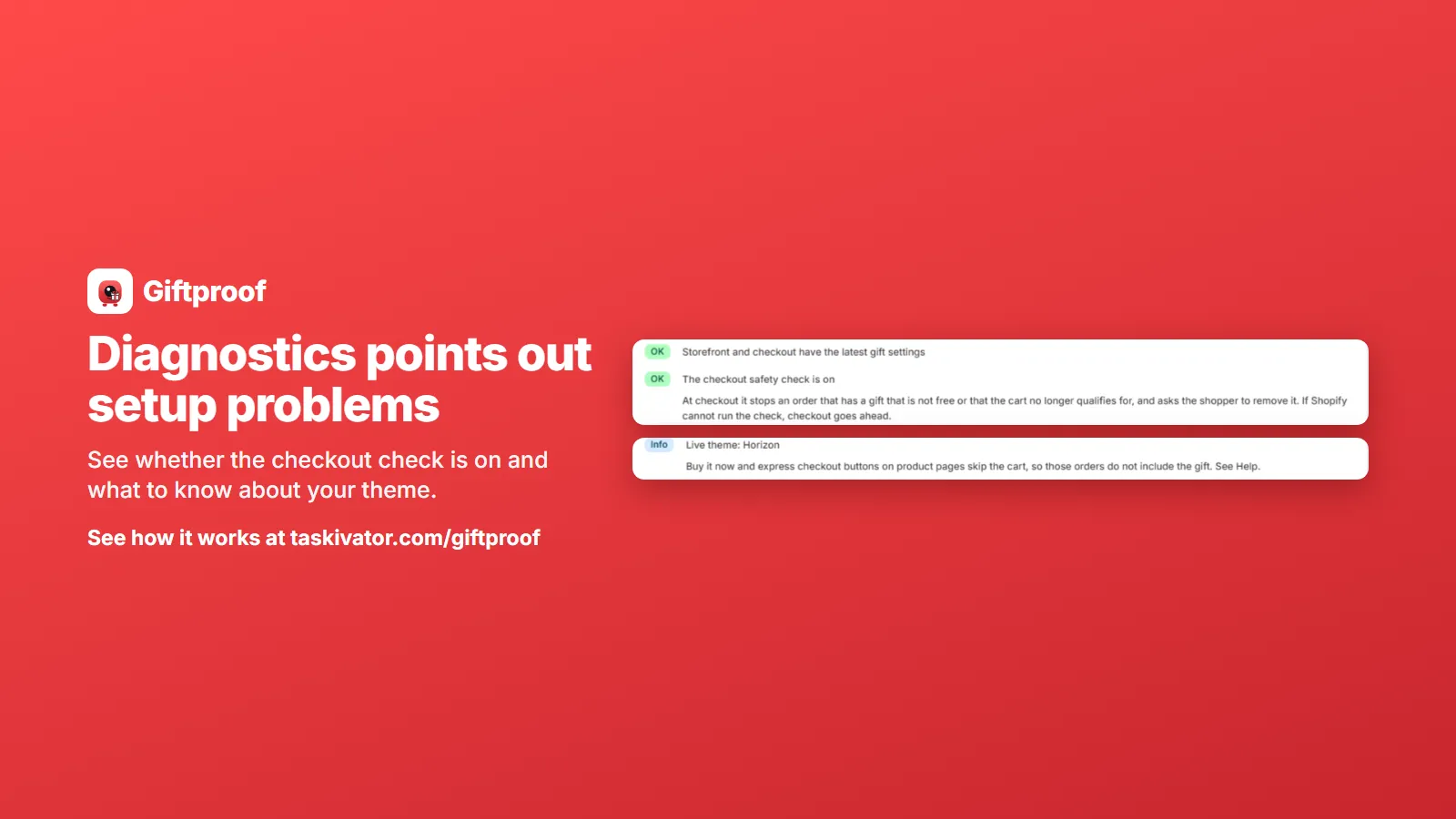
The cart tester answers "what does this cart get?" Diagnostics answers a different question: "is anything about my setup likely to get in the way?"
It points out setup problems such as:
- A gift that is still a draft. Easy to miss, because the product looks fine in your admin.
- An out of stock gift. If the gift product is out of stock, it is not added to carts.
- An unpublished gift. A gift that is not available to your Online Store cannot be added to a cart.
- Discounts that will not combine. If another discount is set not to combine with the gift's discount, a shopper may not see what you intended.
- Errors Shopify reports for the app's discount and checkout check.
These are the boring, common reasons an offer underdelivers. They are also the easiest to fix once you know about them. Diagnostics gives you a short list instead of a mystery.
Check the shopper's side too
Your admin is not the shopper's experience, so spend a few minutes in the storefront.
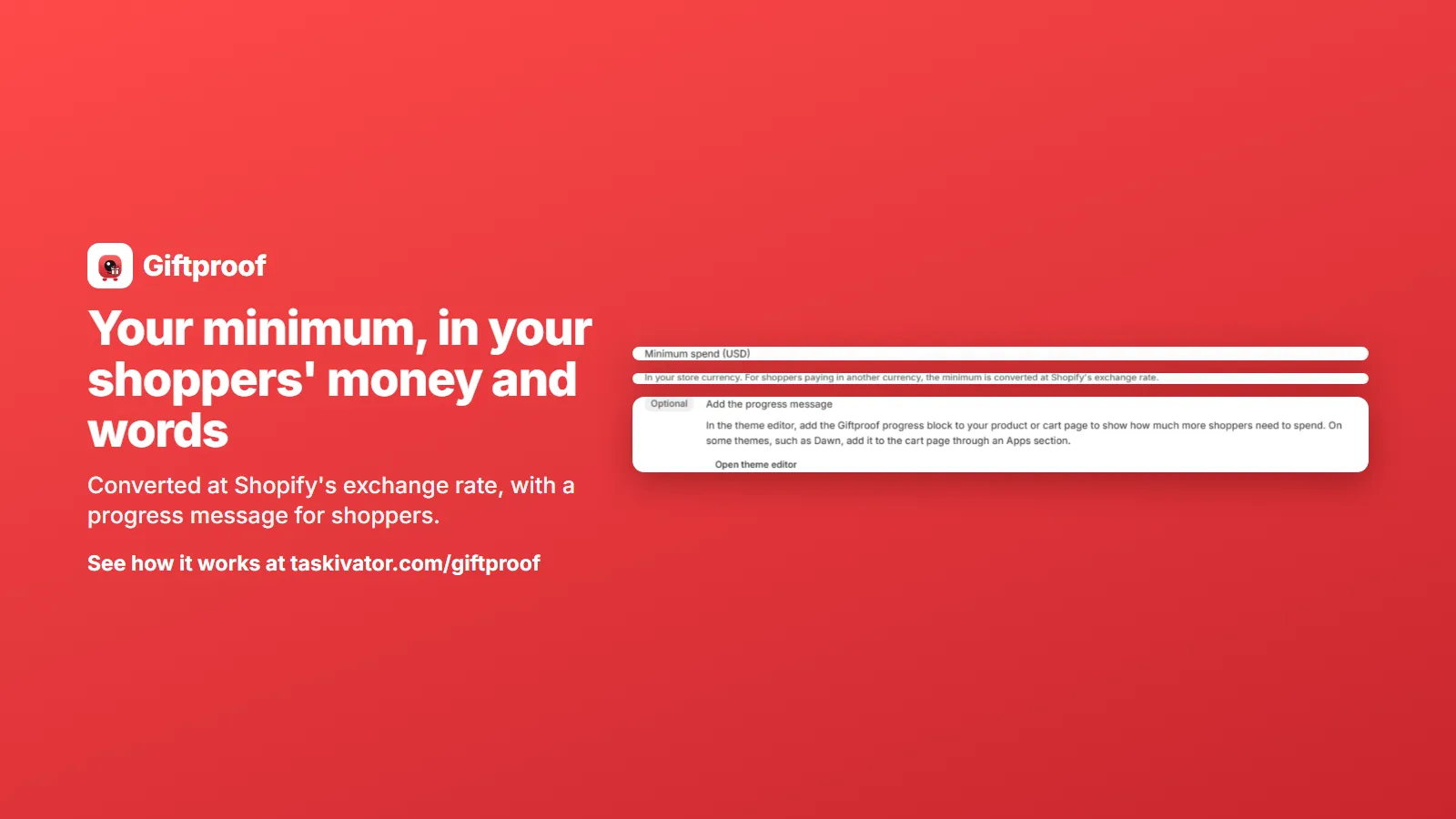
- Look at the progress message. Does it read the way you want, in the language your shoppers use? Giftproof comes with built in translations in several languages, and you can write your own words instead.
- Walk through the cart. Add items, cross the minimum, remove an item, cross back. Watch the gift appear and disappear.
- Try your theme's cart drawer. On some themes a cart drawer may need a page refresh to show the gift, and it is better to know that now.
- Try checkout. Make sure the gift looks the way you expect there too.
Do this on a phone as well as a computer, because that is where many of your shoppers are.
Test again when things change
An offer you tested last month may not behave the same today. Test again when you:
- change the minimum or the gift,
- add or remove excluded products,
- launch a new discount code,
- change your theme,
- or restock a product after it sold out.
A short run through the same borderline, sale item and discount code carts takes a few minutes, and it is cheap insurance for a promotion that you may be paying to advertise.
Start dates make testing easier
You do not have to test in front of an audience. Because each gift has a start date and an end date, you can set the offer up ahead of time, test it, and let it begin when you planned. If something looks wrong, you can pause one gift, or pause them all, and fix it without scrambling.
The takeaway
A free gift offer earns trust when it behaves the way you described it. Write down what should happen, build sample carts that try to break it, read the Diagnostics list for setup problems you did not think of, and look at the storefront through a shopper's eyes. Then launch, and test again whenever something changes.
To see the cart tester and Diagnostics for yourself, have a look at Giftproof. It is coming soon to the Shopify App Store.
Giftproof
Keep reading
 Giftproof5 min read
Run a free gift offer in other currencies and languages
Selling abroad? Here is how a minimum spend gift offer follows shoppers into other currencies and languages on Shopify, and what to check.
Read the article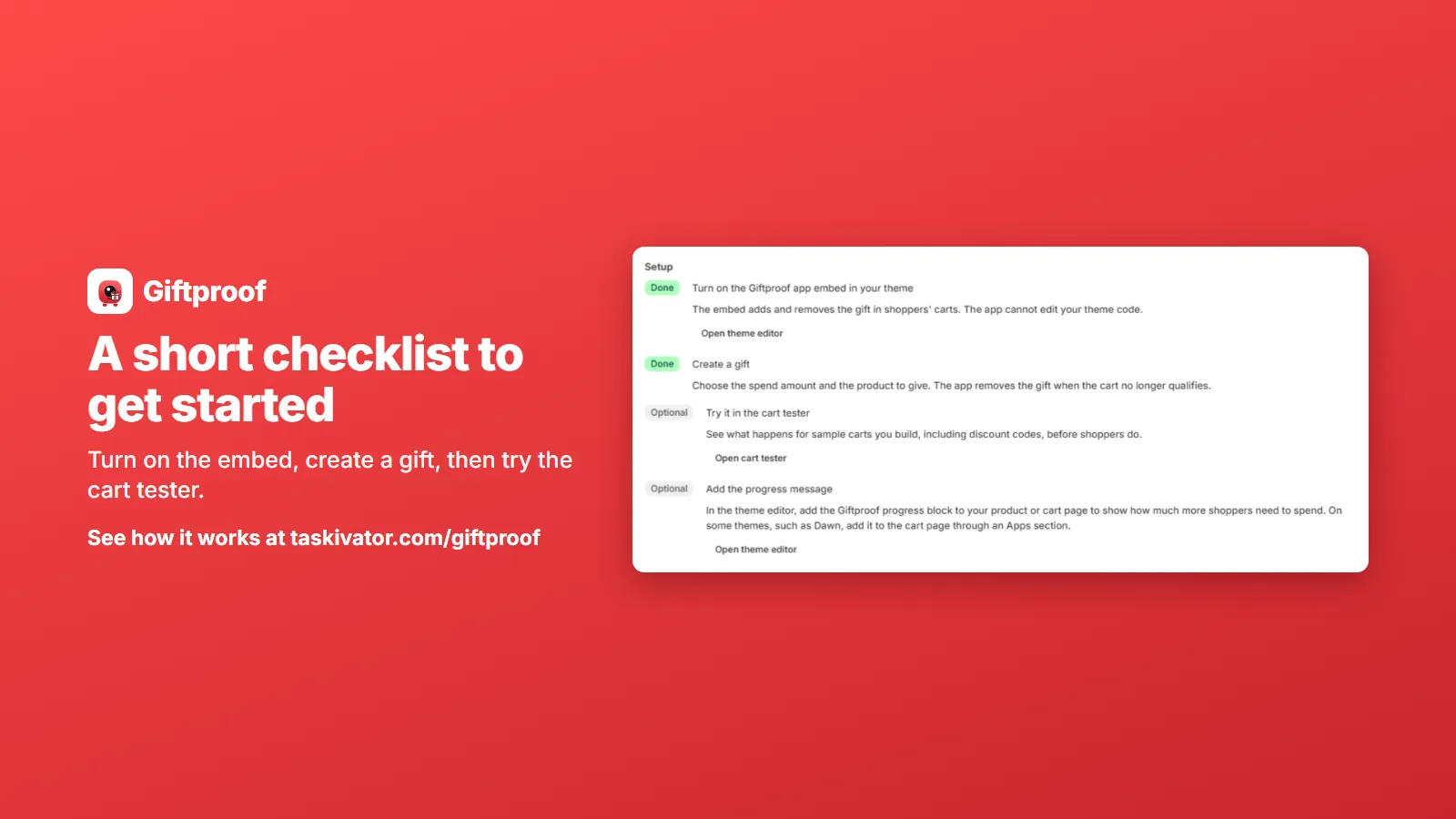 Giftproof5 min read
Free gift with purchase on Shopify at a minimum spend
A free gift at a minimum spend is simple to promise and fiddly to run. Here is how the offer should behave in the cart and at checkout.
Read the article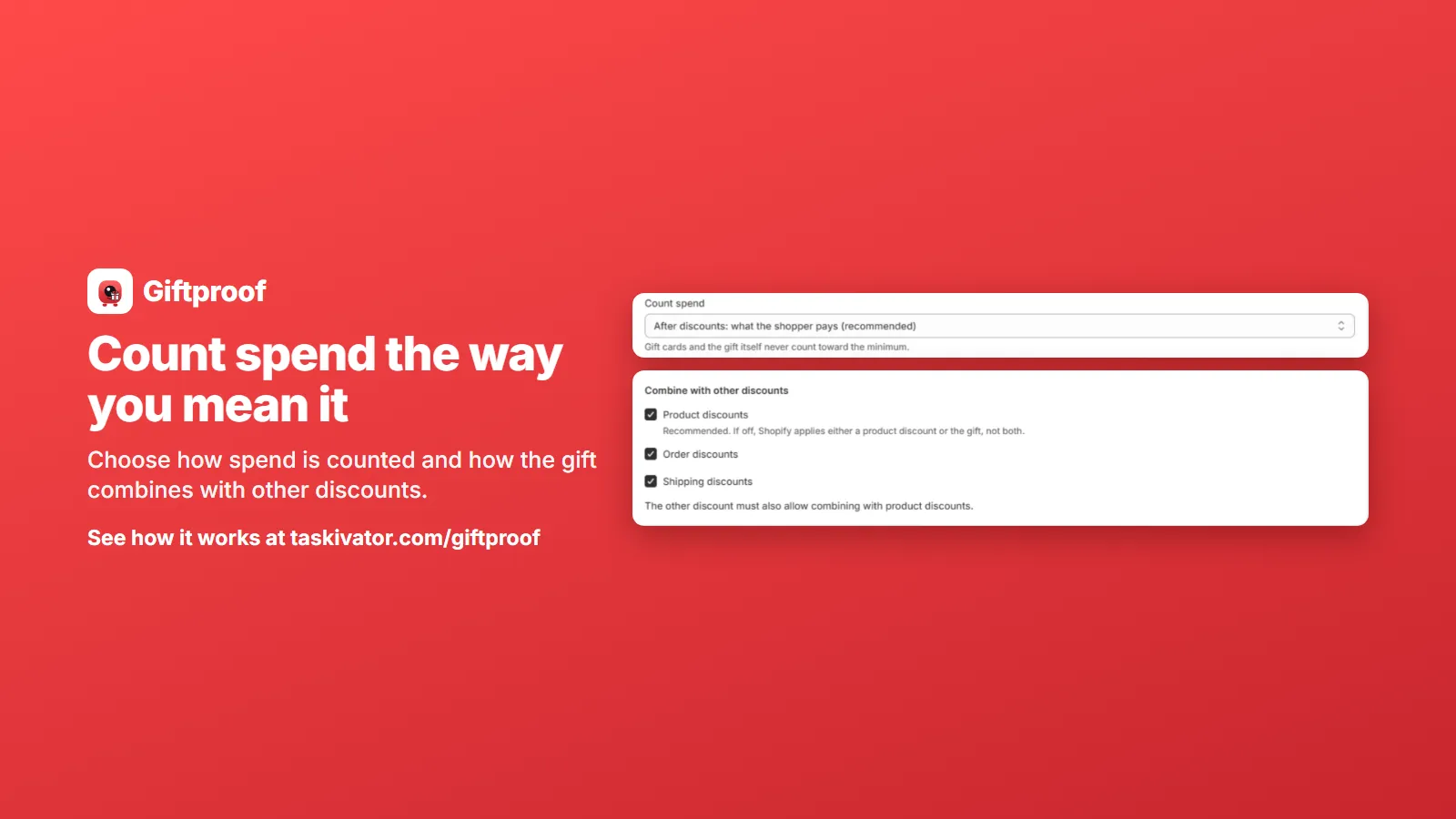 Giftproof4 min read
Keep sale items and codes from unlocking a free gift
Sale items and discount codes can push a cart over your free gift minimum. Here is how to decide what counts toward the threshold.
Read the article