

 Giftproof4 min read
Keep sale items and codes from unlocking a free gift
Sale items and discount codes can push a cart over your free gift minimum. Here is how to decide what counts toward the threshold.
Picture the scene. You launch a free gift for carts over a set amount. A week later you look at the orders and notice something odd: a shopper bought a pile of clearance items, paid a small amount after a discount code, and still walked away with the gift. On paper the cart passed the minimum. In your margin, it did not.
That is the quiet trap in a minimum spend offer. The number on the threshold sounds simple, but "spend this much" can mean at least three different things. Decide which one you mean, and your offer stays fair. Leave it to chance, and sale items and discount codes will decide for you.
Three ways a cart can "reach" the minimum
List prices. Add up what the items cost before any discount. A cart full of heavily marked down products can look big on this measure while the shopper pays very little.
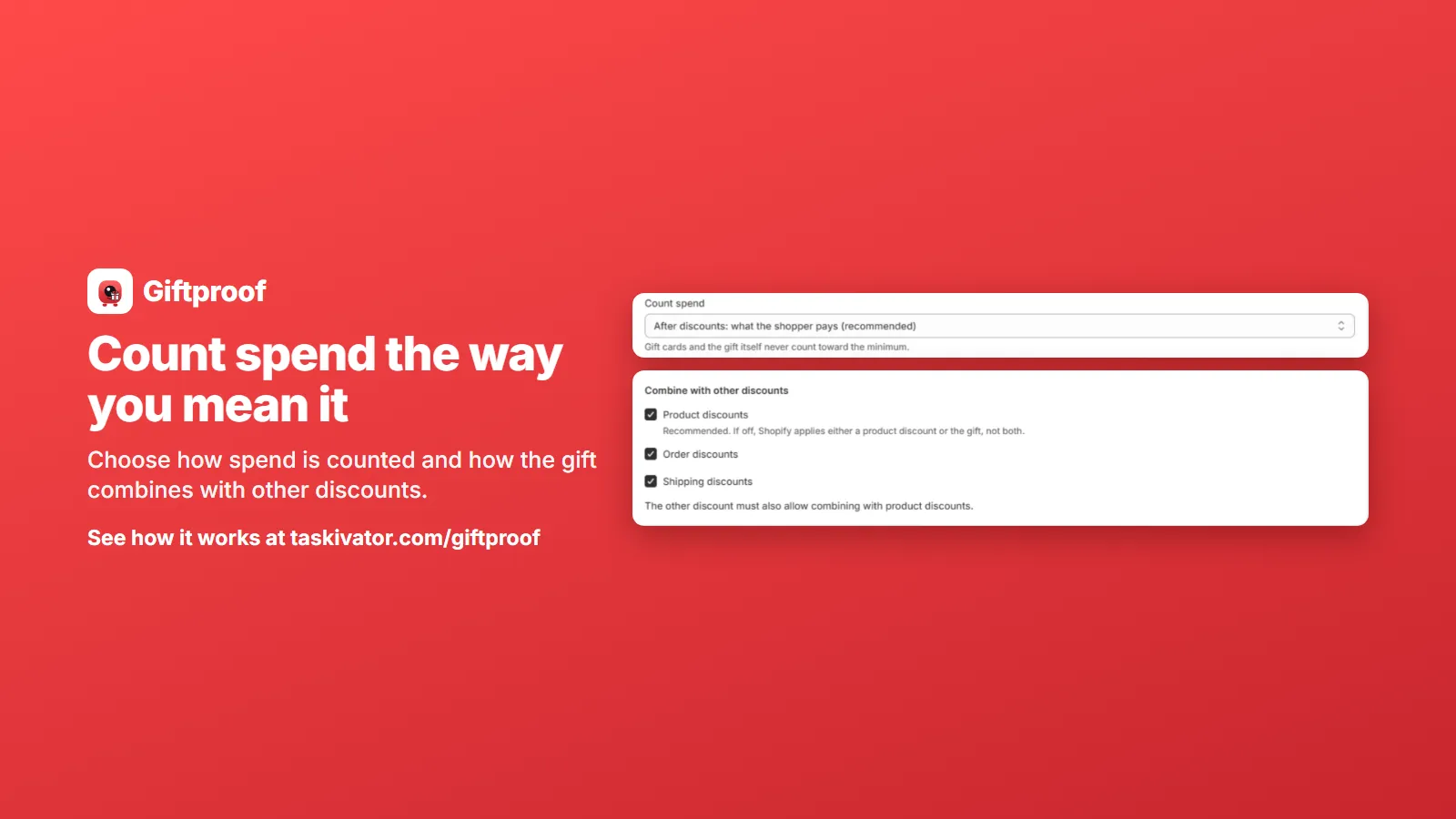
What the shopper pays after discounts. Add up what is left once discounts are applied. This matches the plain meaning of "spend this much", because it is what the shopper actually spends.
Only the products you choose. Count everything except the products you leave out, for example sale items, clearance, or products that already carry a thin margin.
Most merchants want a mix of the second and third. Count what shoppers really pay, and leave the marked down products out of the count altogether.
The point is not that one choice is right for everyone. The point is that you choose.
Why discount codes cause the most arguments
Discount codes are where a threshold offer most often goes sideways. Say your minimum is a round number and a shopper's cart sits just above it. Then they apply a percentage code. After the code, the cart sits below the minimum. Did the shopper earn the gift?
If you count spend after discounts, the answer is no, and that is usually the answer merchants expect. Giftproof counts spend after discounts by default, so a cart that a discount code takes below your minimum no longer qualifies. The gift is removed, and if it is still there at checkout, a checkout check asks the shopper to remove it before paying. That covers the case where the code is typed in at checkout rather than in the cart.
If your promotion works the other way, and you want the gift to follow list prices, you can set a gift to count spend before discounts instead. It is a setting per gift, so one offer can use list prices while another counts what shoppers pay.
The point is not that one choice is right for everyone. The point is that you choose, and that the store does what you chose.
Keeping sale items out of the count
Excluding products solves the other half of the problem. If a product is already on sale, you may not want it to help a cart climb toward a free gift on top. With Giftproof, you can exclude products from the minimum spend, sale items being the classic example. An excluded product can still be bought as usual, it simply does not count toward the minimum.
A few practical ways to use it:
- Exclude the clearance rack. The shopper can still buy it, but the gift needs to be earned by full price products.
- Exclude already discounted bundles. A bundle that is priced to move does not also need to unlock a gift.
- Exclude low margin lines. If a line leaves little room, keep it out of the threshold math.
What does not count in any case: gift cards and the gift itself. The free gift does not help a cart qualify for itself, and a gift card is not spend on products.
A worked example, in words
Imagine a store that gives a free tote bag at a chosen minimum spend. A shopper adds a few full price items, and the cart reaches the minimum. The tote bag is added, and Shopify's discount system makes it free. Then the shopper adds a clearance item to be safe. Nothing changes, because the clearance item is excluded and was not counting.
Now the shopper applies a percentage code and the full price items, after the discount, fall below the minimum. The tote bag is removed. If it somehow stays in the cart, the checkout check asks the shopper to remove it before paying. Each step does what the offer said it would.
How to set it up in Giftproof
- Open the gift you want to protect and look at the spend setting. Leave it on the default, after discounts, or switch that gift to before discounts.
- Find the excluded products list and choose the sale items, clearance lines or bundles to leave out.
- Open the cart tester, add a sample cart that includes an excluded product and a discount code, and check what the gift does. We cover the tester in the next article.
Say it on the page
Whatever you pick, put one clear line next to the offer. "Sale items do not count toward the minimum" and "Spend is counted after discounts" are both short, both honest, and both save you support messages from shoppers who expected something different.
The takeaway
A free gift threshold is only as fair as the question you answer behind it: what counts as spend? Count what shoppers pay after discounts, leave out the products that should not help, and test with a sample cart that has a code and a sale item in it. Do that, and your offer protects your margin without confusing your customers.
To see how Giftproof handles the threshold, take a look at Giftproof. It is coming soon to the Shopify App Store.
Giftproof
Keep reading
 Giftproof5 min read
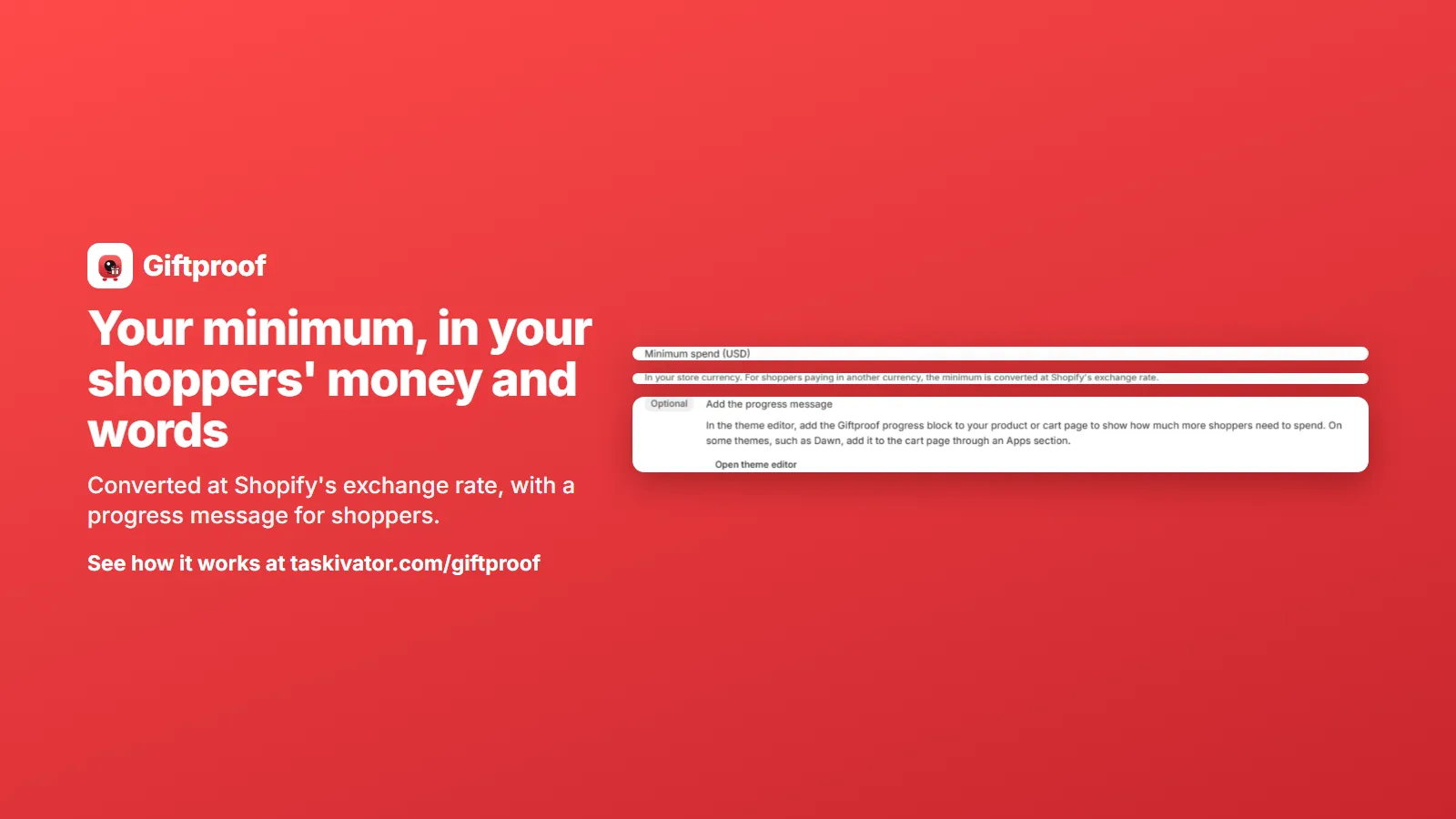
Run a free gift offer in other currencies and languages
Selling abroad? Here is how a minimum spend gift offer follows shoppers into other currencies and languages on Shopify, and what to check.
Read the article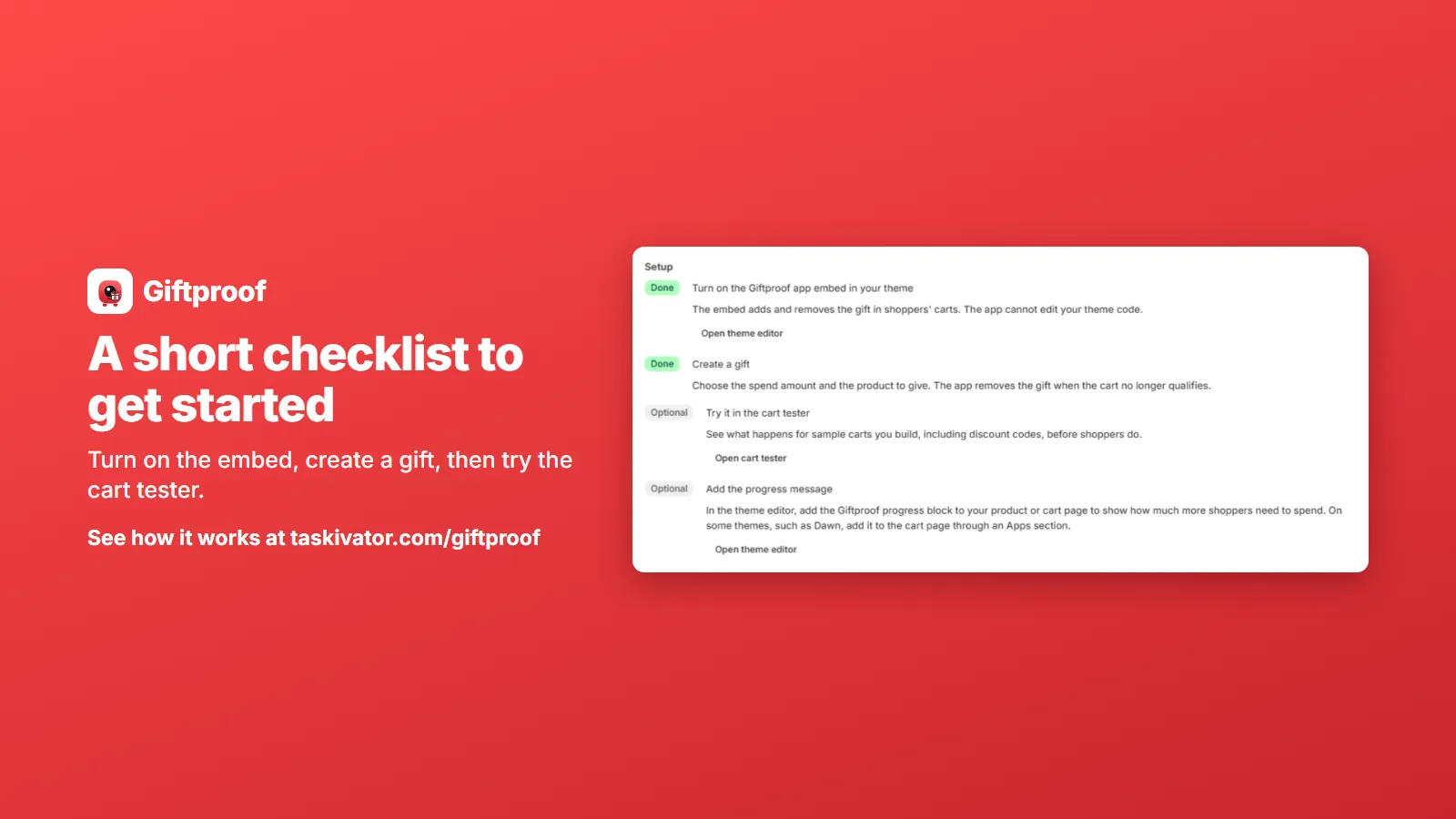 Giftproof5 min read
Free gift with purchase on Shopify at a minimum spend
A free gift at a minimum spend is simple to promise and fiddly to run. Here is how the offer should behave in the cart and at checkout.
Read the article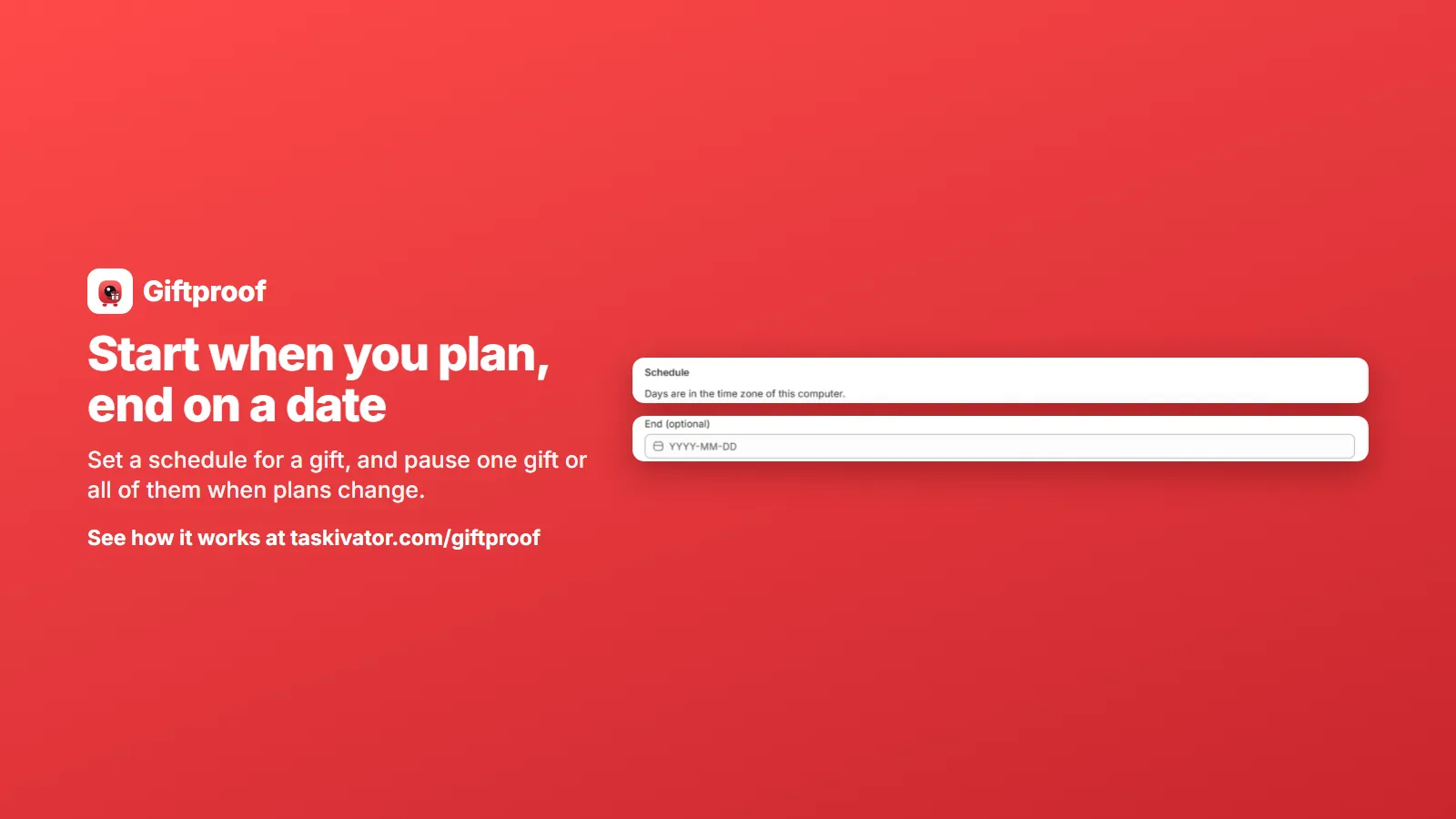 Giftproof4 min read
Schedule and pause a Shopify free gift offer
Start dates, end dates, pausing one gift or all of them, and running several offers: how to keep a free gift offer under your control.
Read the article