

 BugIt5 min read
A bug that used to work: how to report a regression
How to report a regression: find the last version that worked, narrow the gap to the first one that failed, and give the developer a place to start.
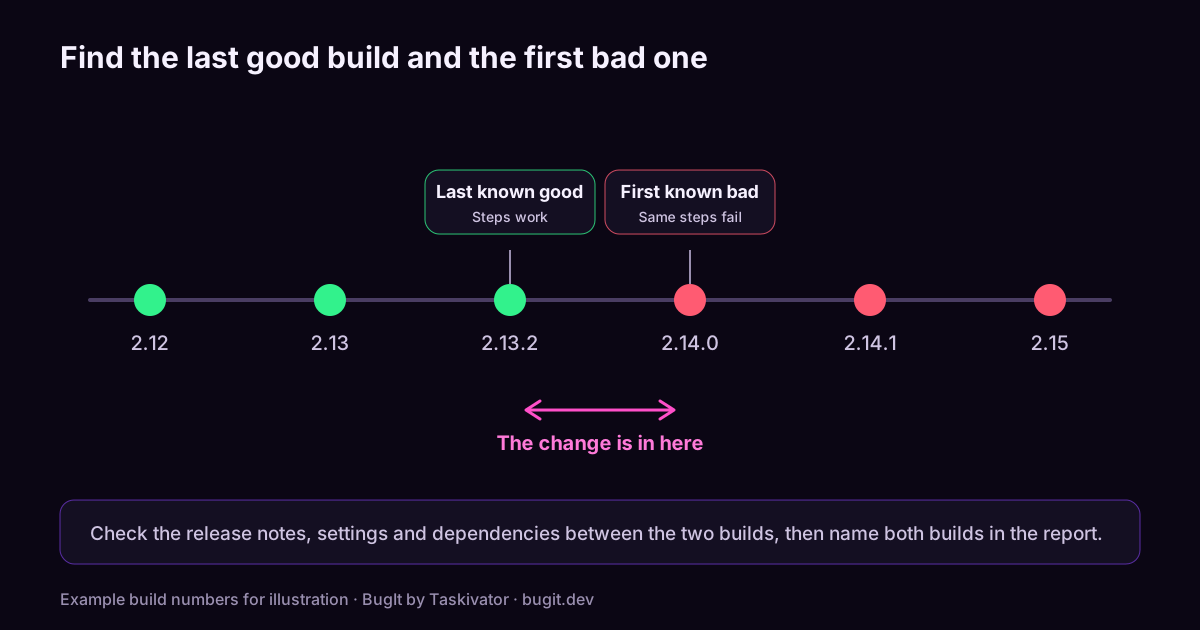
"It worked last week." Few sentences make a developer perk up faster, and few are less useful on their own. A feature that used to behave and now does not is called a regression, and it is a gift to anyone who is trying to fix it, because it tells you something precious: the code was right once, so the answer lives in what changed.
The trouble is that "it worked last week" is a feeling, not a fact. To make it useful you have to turn it into two pieces of evidence: the last time it worked and the first time it did not. Here is how to find them and how to write them down.
Why regressions are worth reporting well
A regular bug asks the developer to work out what is wrong. A regression gives them a head start. If you can say "it worked in build 2.13 and fails in build 2.14", the search shrinks from the whole product to the changes between two builds. A good regression report can cut a long investigation down to a short one.
Step one: confirm it really is a regression
Before you write "regression" in the title, check that the old behavior was real.
- Did it ever work? Maybe you used a different path last time, or a feature flag or setting was on.
- Is it the same thing? A page that looks like the old one may be a redesigned flow with a different rule.
- Was it a change in data? A new account or a larger file may trigger something the old data did not.
- Was it intended? Release notes sometimes explain a change in behavior. Check them first.
If you find the change was deliberate, it may not be a bug, but a report that quotes the release note is still worth filing as a question.
Step two: find the last good version
If you can run older builds, do it. Go back to a version you remember being fine and run the same steps.
- If it works there, you have your last known good build.
- If it fails there too, go back further, or reconsider whether it is a regression.
- If you cannot run old builds, look for evidence: a test result, a screenshot, a ticket from a customer who used it, or a log from a successful run.
Write the version or build, not "a while ago". Dates help too, but a build number is exact.
Step three: find the first bad version
Now move forward from the good build and test the versions in between. When there are many, do not test them one by one. Pick the middle one. If it works, the problem is later. If it fails, the problem is earlier. Repeat on the half that remains. This is the same idea as looking up a name in a phone book by opening it near the middle, and it finds the first bad build in a handful of steps even across many builds.
You do not need to be a developer to do this. You need access to the builds and the patience to run the same steps each time.
Step four: note what changed in between
Once you have a last good and a first bad build, look at what lies between them. You are not expected to find the cause, but a few lines of context help.
- The release notes for the first bad build.
- A setting, configuration or dependency that changed.
- A feature that was added or reworked in the same area.
A sentence such as "the promo code flow was reworked in this release" is a strong pointer, and a developer will thank you for it.
Step five: write the report
A regression report is a normal bug report with two extra fields. Here is a shape you can copy:
``` Title: [Area] Symptom (regression)
Last known good Build 2.13.2, steps below work as expected.
First known bad Build 2.14.0, steps below fail.
Steps to reproduce
- ...
- ...
- The step where it goes wrong
Expected What happened in the last good build.
Actual What happens now.
Environment Platform, account type, settings that matter.
Evidence Log excerpt, screenshot, request id.
What changed in between Release notes mention a reworked promo flow.
Related The earlier ticket that fixed this, if there was one. ```
The Related field is easy to forget and worth the effort. A regression often reopens an old problem, and the ticket that fixed it the first time holds the history of how.
Habits that help
- Say "regression" in the title, so triage can route it to the team that touched the area.
- Link the old ticket, if the same symptom was fixed before.
- Keep the steps identical between builds, so the comparison is fair.
- Report the version where you first noticed it, even if you cannot narrow it further. A partial answer is still an answer.
Where BugIt fits
BugIt is a QA agent that runs in the assistant you already use. You describe the problem in a rough sentence, and it writes the report in your team's shape. Before you see the draft, it searches your tracker, read only, for tickets like yours and gives each a score, so an earlier ticket about the same symptom can surface as a related ticket. You still supply what only you know, such as the last good build, and BugIt asks for what is missing, including the build and how often it happens. BugIt redacts common personal data, a best effort, so read the draft. You review every draft before it is filed, and nothing is written to your tracker until you type FILE IT.
Learn more at bugit.dev and taskivator.com/bugit.
The takeaway
A regression is a bug with a head start. Confirm the old behavior was real, find the last good build, then halve the gap to find the first bad one, and note what changed in between. Put both builds in the report, link an earlier ticket, and the developer knows where to look first.
Keep reading
 BugIt4 min read
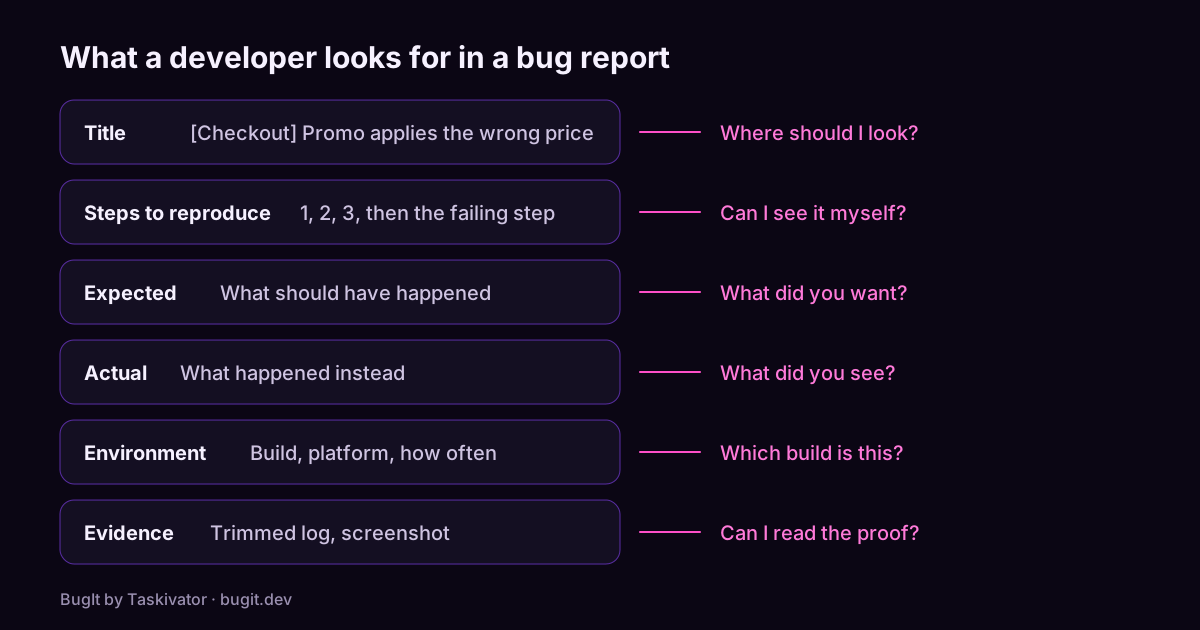
A bug report template developers will actually read
A copyable bug report template, what each part is for, and the habits that turn a vague complaint into a ticket a developer can fix.
Read the article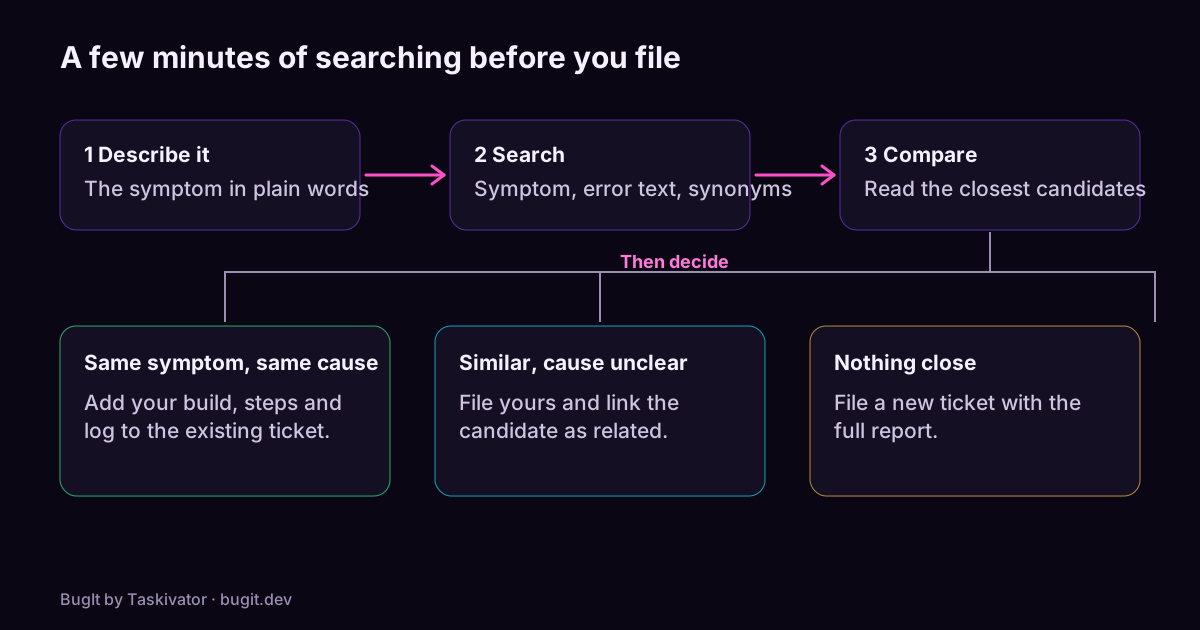 BugIt4 min read
Catch duplicate bugs before you file them
Why one bug turns into several tickets, how to search a tracker so you find the earlier one, and what to do when you do.
Read the article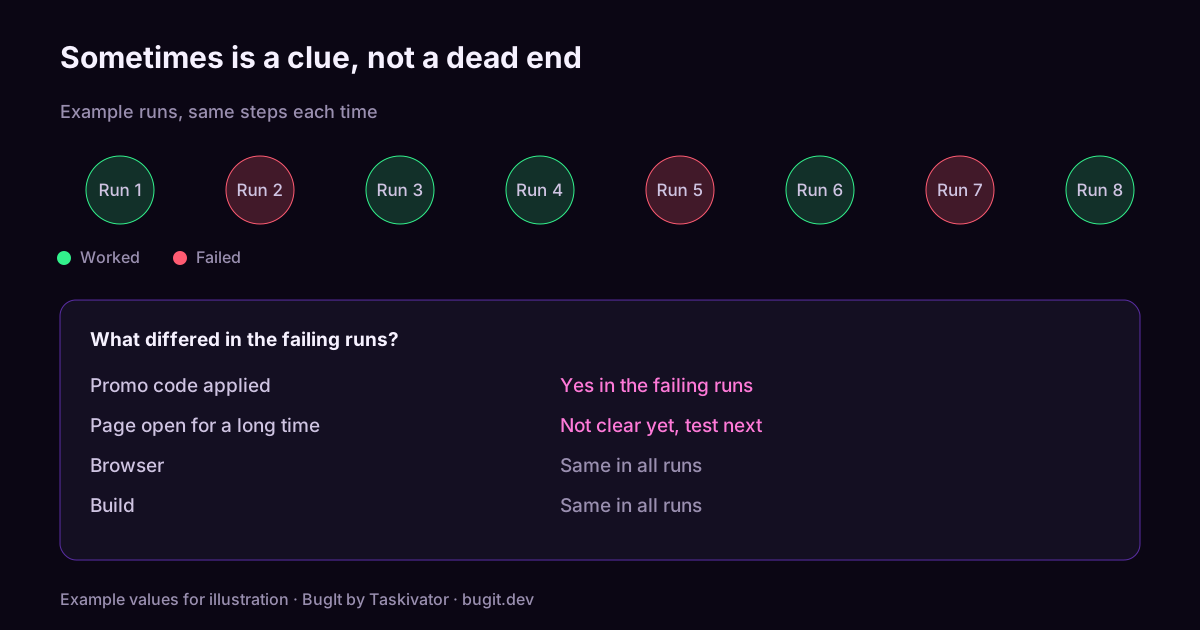 BugIt4 min read
How to report a bug that only happens sometimes
How to report an intermittent bug: count your runs, find what changes between them, and write the conditions down so a developer can chase it.
Read the article