

 Giftproof5 min read
Free gift with purchase on Shopify at a minimum spend
A free gift at a minimum spend is simple to promise and fiddly to run. Here is how the offer should behave in the cart and at checkout.
Few offers are as easy to say out loud as this one: "Spend over a set amount and get a free gift." Shoppers understand it in a second. A cart that is a little short suddenly has a reason to grow. And a small gift, a sample, a tote bag or a travel size of your bestseller, can cost you less than a blanket discount.
The offer is easy to say. It is surprisingly fiddly to run. The gift has to show up at the right moment, disappear at the right moment, and still make sense when a shopper changes their mind. This article walks through what a good free gift offer does, where stores usually stumble, and how to set one up with Giftproof, a Shopify app built for this one job.
The three moments that decide whether the offer works
Think of the offer as three moments in the shopper's journey.
1. Before the minimum. The shopper is browsing with a cart that is not quite there. This is where the offer earns its keep, because a visible nudge such as "Spend a little more to get the tote bag free" turns a vague promotion into a concrete goal. Giftproof includes a progress message block for exactly this, and it can speak the shopper's language or use your own words.
2. At the minimum. The cart reaches the threshold and the gift appears in it. No code to type, no button to find. This matters more than it sounds. A gift that needs a code is a gift some shoppers will miss, and a gift that has to be claimed by hand feels like homework.
3. After the minimum. Here is where many setups quietly break. The shopper removes an item, or swaps a bigger one for a smaller one, and the cart drops below your minimum. If the gift stays, you have just given it away to someone who did not qualify. If the shopper can sneak it through checkout, the offer stops meaning what you told them it meant.
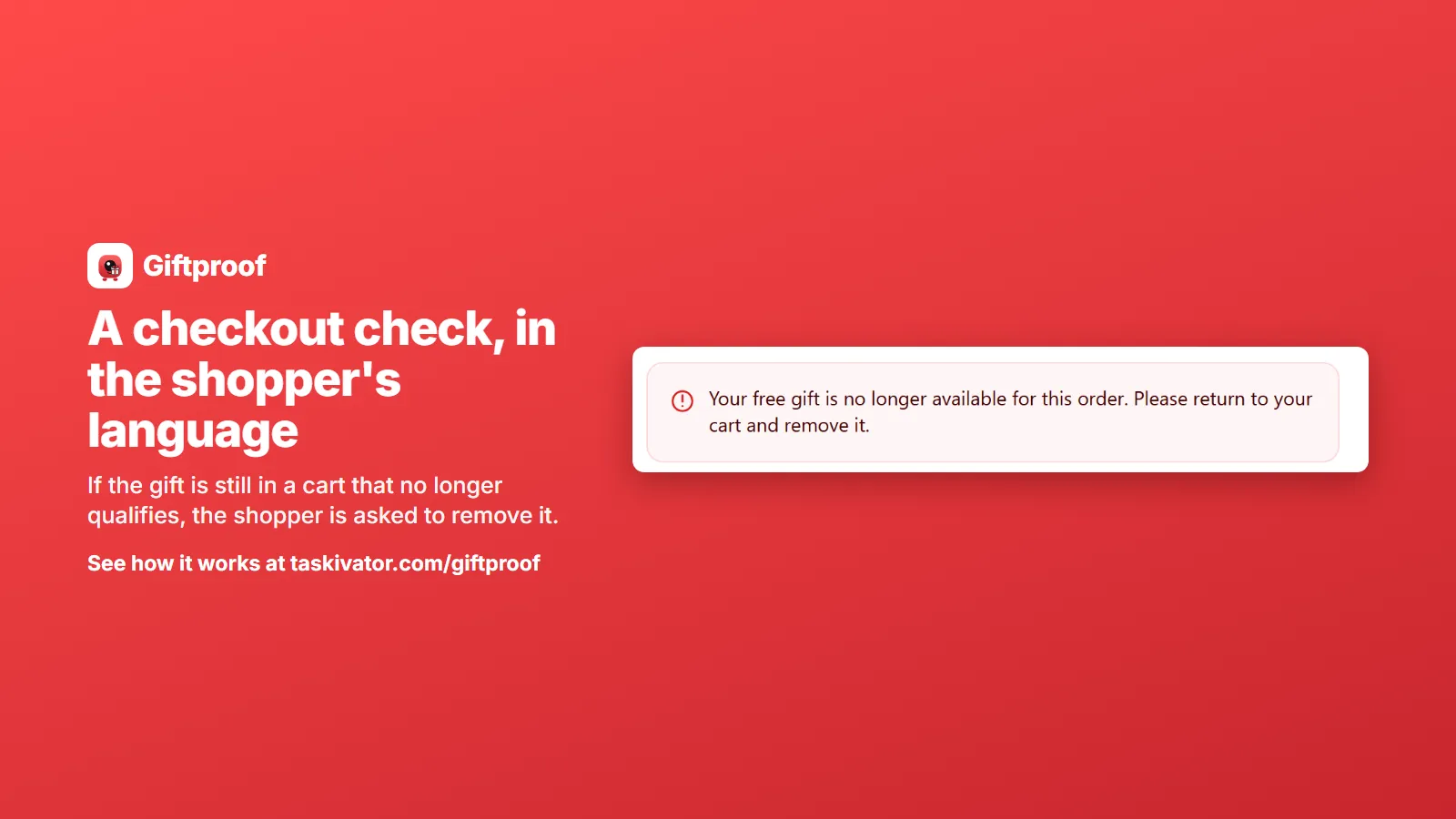
Giftproof is built around that third moment. When the cart drops below the minimum, the gift is removed. And if the gift is somehow still in the cart when the shopper reaches checkout, a checkout check asks them to remove it before paying.
Reach the minimum, get the gift. It keeps working when the cart changes too.
How the gift becomes free
You do not need a hidden product or a duplicate listing. You pick one of your own products as the gift and set a minimum spend. When a cart reaches it, Giftproof adds the gift to the cart, and Shopify's own discount system makes it free.
That last part is worth a second look. Because the discount comes from Shopify's own system, the price reduction appears in the cart and at checkout the way shoppers already expect discounts to appear. You are not hiding a product in the background or editing your theme code to fake it. Giftproof needs no theme code edits and creates no hidden or duplicate products, so your catalog stays the catalog you built.
Setting it up, step by step
Here is the whole flow in plain language.
- Choose the gift. Pick the product you want to give away. A small, low cost item with a good story tends to work better than a random leftover.
- Set the minimum spend. Choose the amount a cart needs to reach. Think about your average order first: a minimum a little above it is the classic nudge.
- Decide what counts. By default, spend is counted after discounts, which is the fair way to read "spend this much". You can switch a gift to count before discounts instead. (More on this in our article on keeping sale items out of the threshold.)
- Pick dates if you want them. Set a start and an end date for a seasonal offer, or leave the dates open for an offer that simply runs.
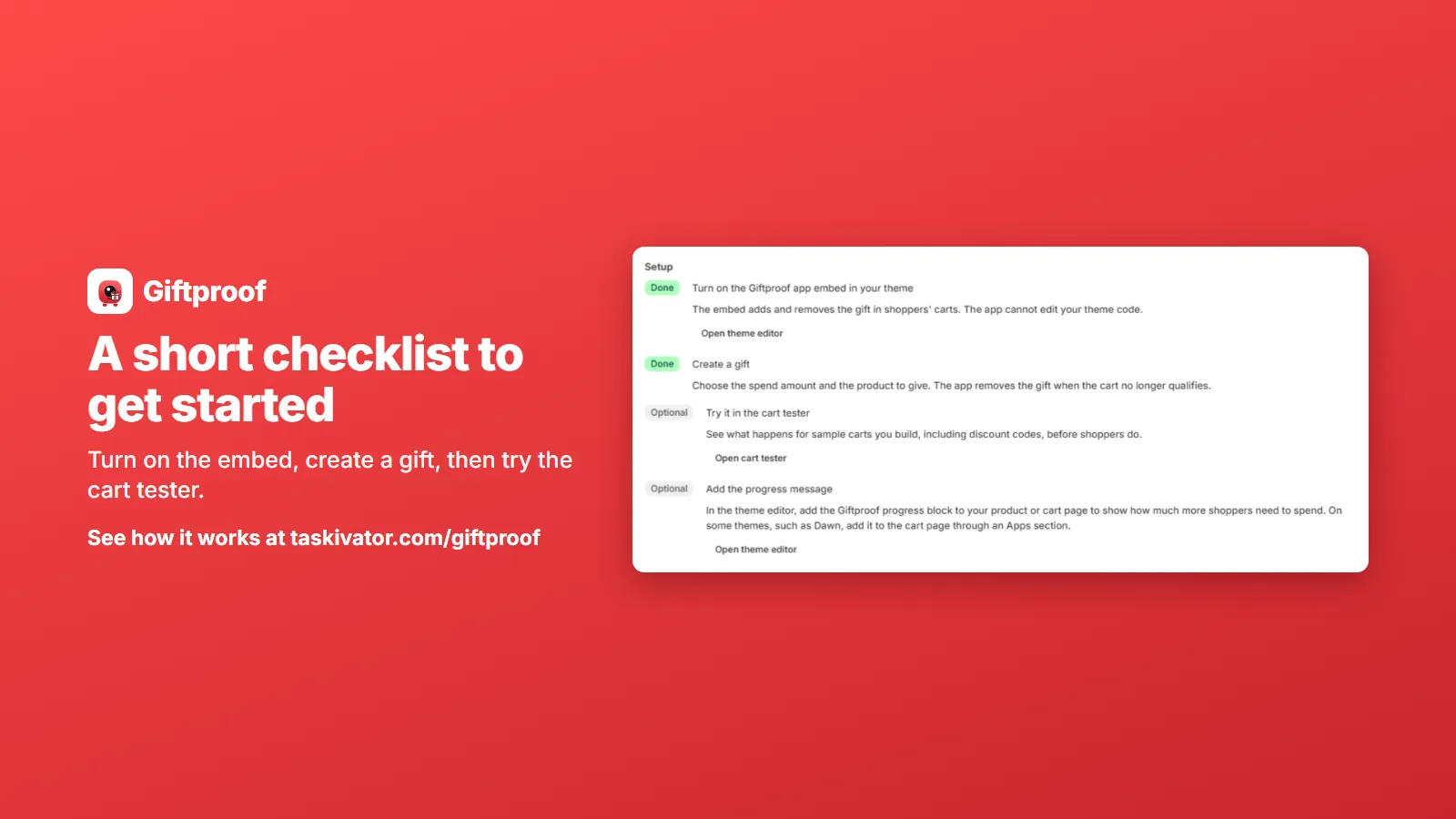
- Test it. Use the cart tester to see what a sample cart gets before any shopper does.
- Turn on the progress message. It shows shoppers how close they are.
Each gift has its own minimum, its own gift product and its own dates, so you can run more than one offer side by side. One gift for a modest minimum and a better gift for a bigger one is a natural pairing, and each is set up on its own.
Run it on your schedule
Offers do not live forever. Giftproof lets you set start and end dates, and you can pause one gift or pause them all with a single action when you need a quick stop, for instance when stock of the gift runs low or a different promotion takes over.
Speaking of stock: if the gift product is out of stock, it is not added to the cart. Diagnostics will point it out so you hear about it from the app and not from a puzzled customer.
Shoppers in other currencies
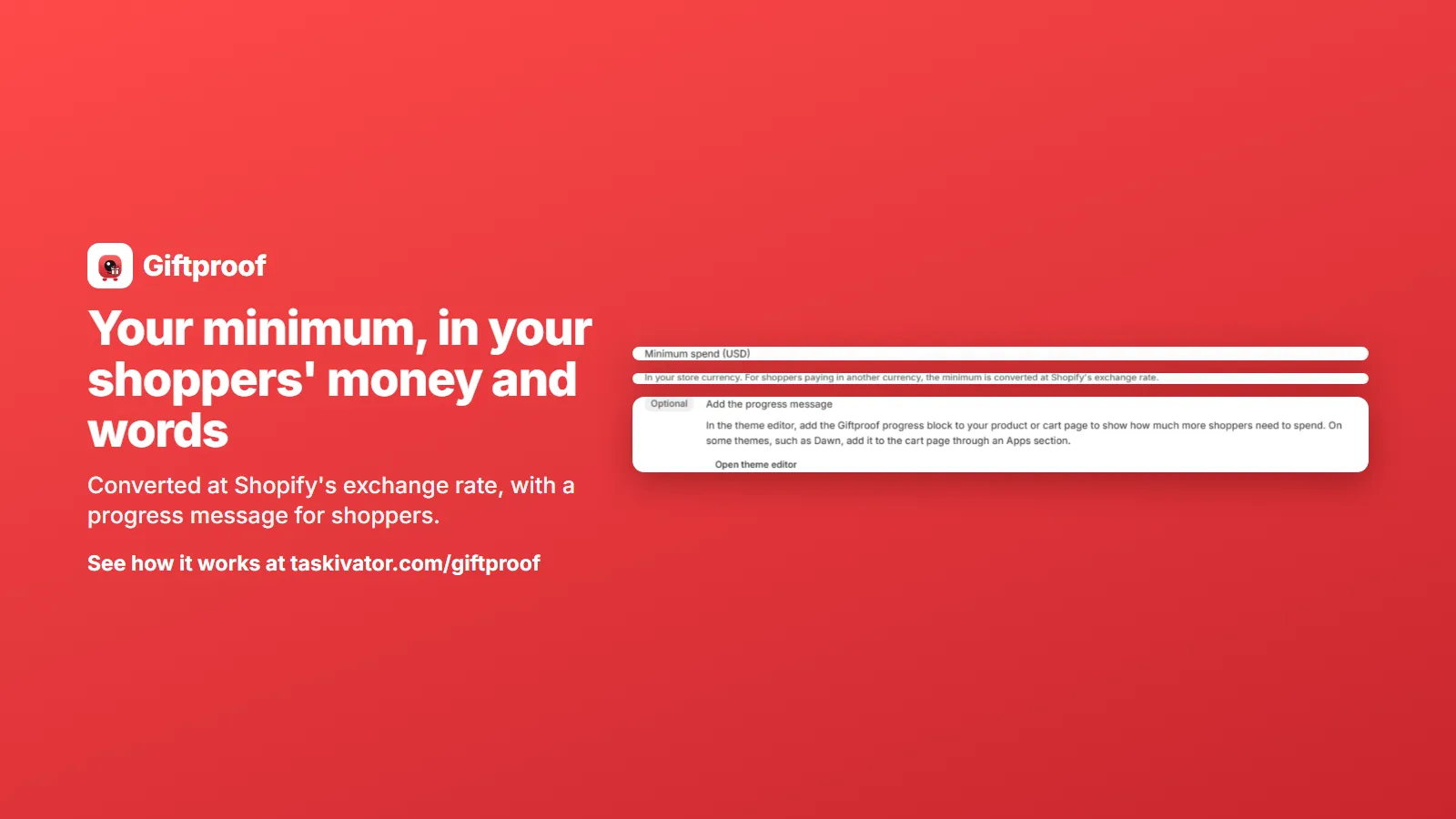
If you sell in more than one currency, the minimum follows. For a shopper paying in another currency, the minimum is converted at Shopify's exchange rate, so a shopper abroad faces the same goal you set, expressed in their money.
What to know before you promise it
Honest copy beats clever copy, so here are the plain limits.
- The offer works through the cart. Express checkout buttons on a product page, such as a Buy it now button, skip the cart, so those orders do not get the gift.
- Giftproof needs the Online Store sales channel. The progress message block needs an Online Store 2.0 theme. It is not for headless storefronts or Point of Sale.
- On some themes a cart drawer may need a page refresh to show the gift.
- If a shopper removes the gift themselves, it is not pushed back into the cart in that same browser tab, unless the cart drops below the minimum and reaches it again.
None of these is a dealbreaker, but each is the kind of thing that is better stated on your offer page than discovered at the worst moment.
The takeaway
A free gift with purchase works because it is simple: reach the minimum, get the gift. It keeps working when the three moments behave: a clear nudge before, an automatic gift during, and a removal after the cart changes. Set the minimum thoughtfully, decide how discounts count, test with sample carts, and say plainly what the offer covers.
If you want an app that handles those moments for you, take a look at Giftproof. It is coming soon to the Shopify App Store.
Giftproof
Keep reading
 Giftproof5 min read
Run a free gift offer in other currencies and languages
Selling abroad? Here is how a minimum spend gift offer follows shoppers into other currencies and languages on Shopify, and what to check.
Read the article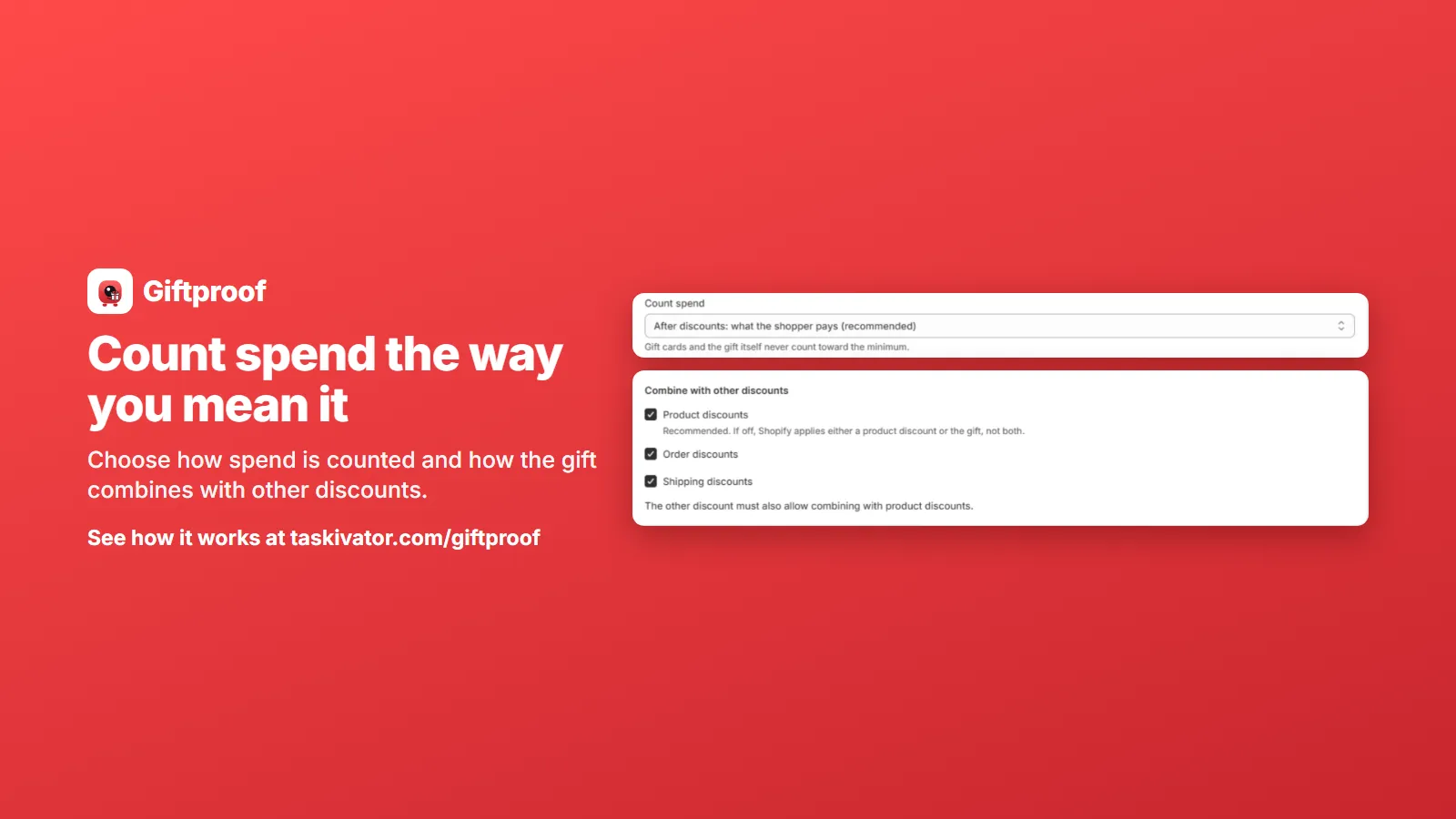 Giftproof4 min read
Keep sale items and codes from unlocking a free gift
Sale items and discount codes can push a cart over your free gift minimum. Here is how to decide what counts toward the threshold.
Read the article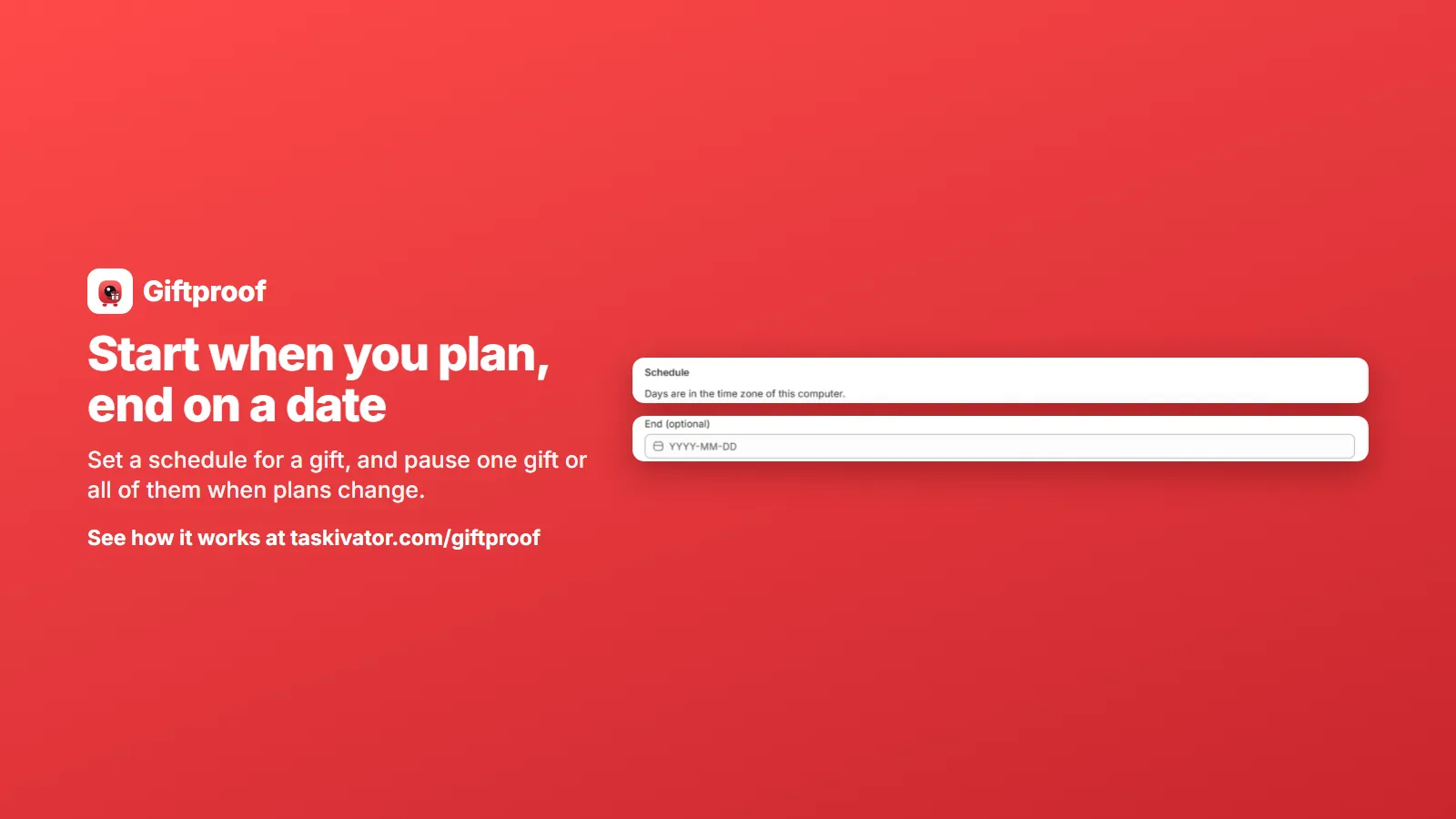 Giftproof4 min read
Schedule and pause a Shopify free gift offer
Start dates, end dates, pausing one gift or all of them, and running several offers: how to keep a free gift offer under your control.
Read the article